Compile the command handler.
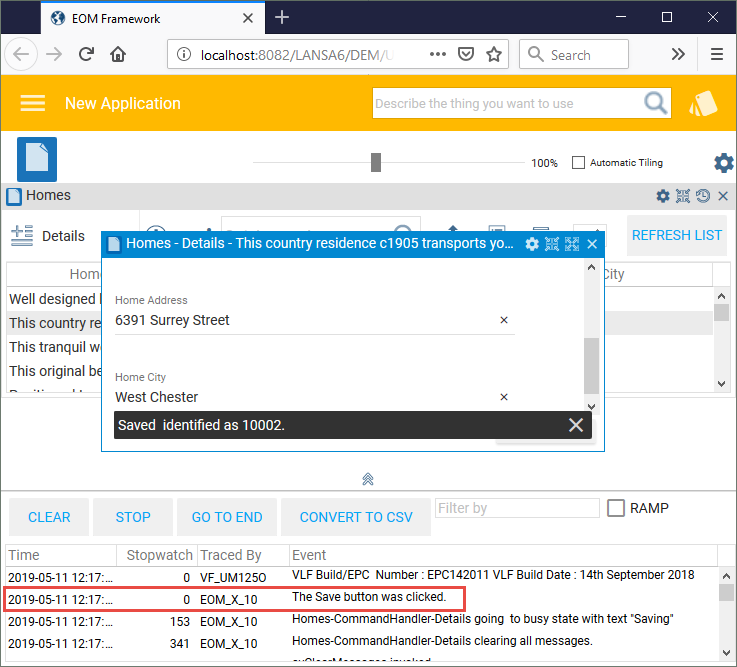
In this step, you will add a trace statement to show when the Save key was pressed in the Details command handler.
In the Visual LANSA editor open the Details command handler (XXX_XHOMESALE_SCRUD_Handler).
Display the Source tab.
Locate the event routine handling the #Save_Button.Click event.
Add this tracing command to the event routine:
Invoke Method(#AvFrameworkManager.AvRecordTrace) Component(#Com_Owner) Event('The Save button was clicked.')
Compile the command handler.
Execute the Framework as VLF-ONE application.
In the Execute the Framework as VLF-ONE application dialog, select the Turn Tracing On option and click OK.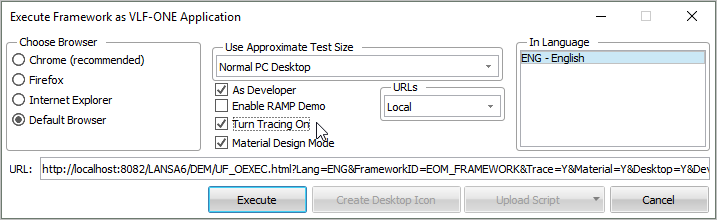
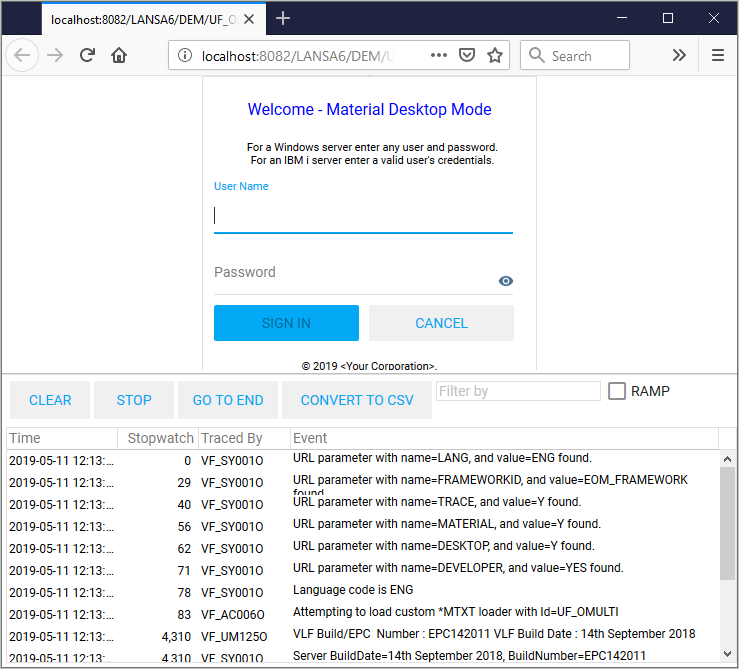
The sign on screen now shows the trace running:
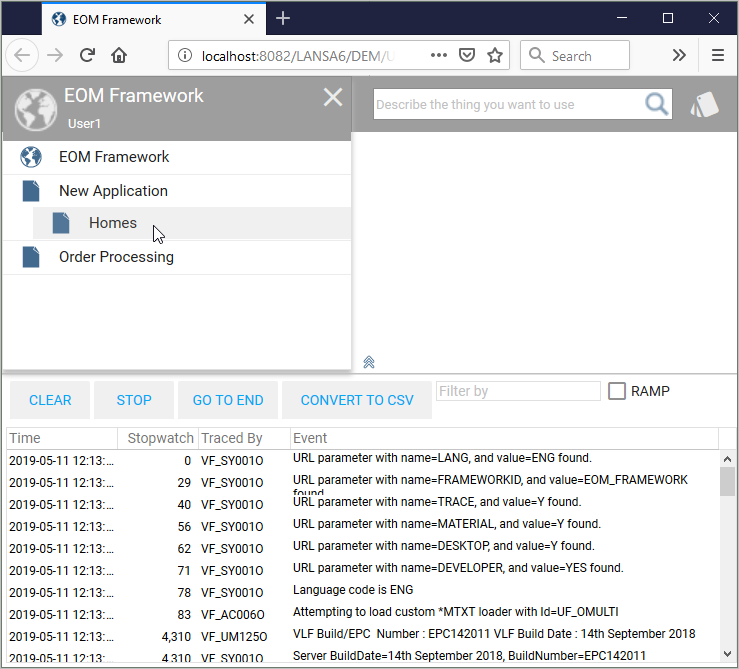
After logging on, select your application and select the Homes business object.
Display the Details command handler for a home.
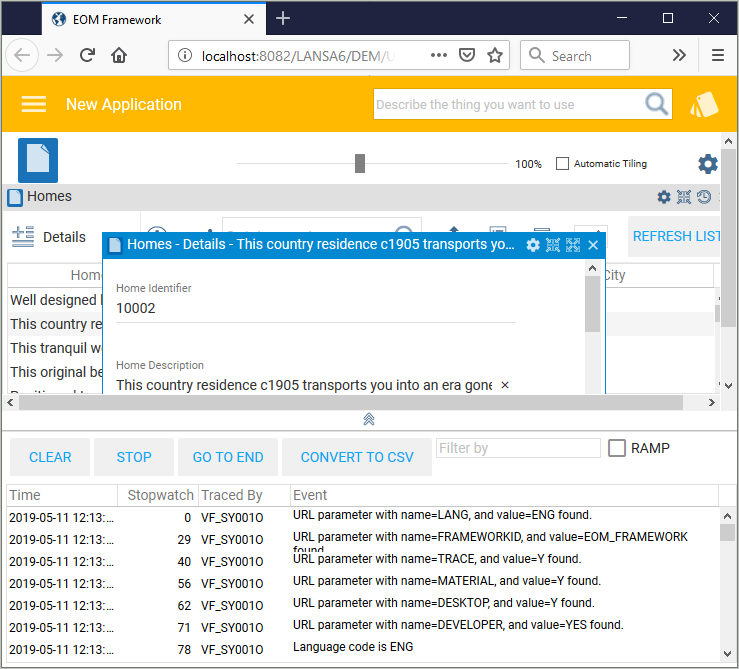
Make a change to the home details and click the Save button. The trace shows the Save key was clicked.