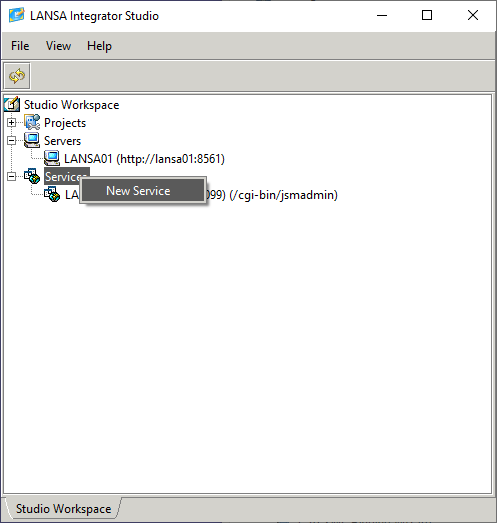
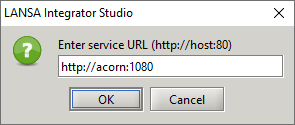
Enter the IP address or domain name of the HTTP server. The default port is 80:
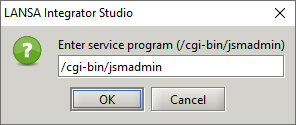
Enter the jsmadmin program to be used to access the database files The default program is /cgi-bin/jsmadmin. Use /cgi-bin/jsmadmin.exe for Windows IIS.
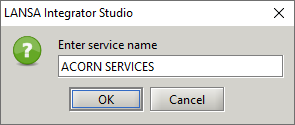
Enter the service name that will appear in the Studio Workspace Services section:
The HTTP server does not need to be running to create a new service.