After installing RAMP-TS/aXes on your IBM-I server you should verify the installation.
Please do not proceed any further with using RAMP-TS until you can successfully complete the following verification steps:
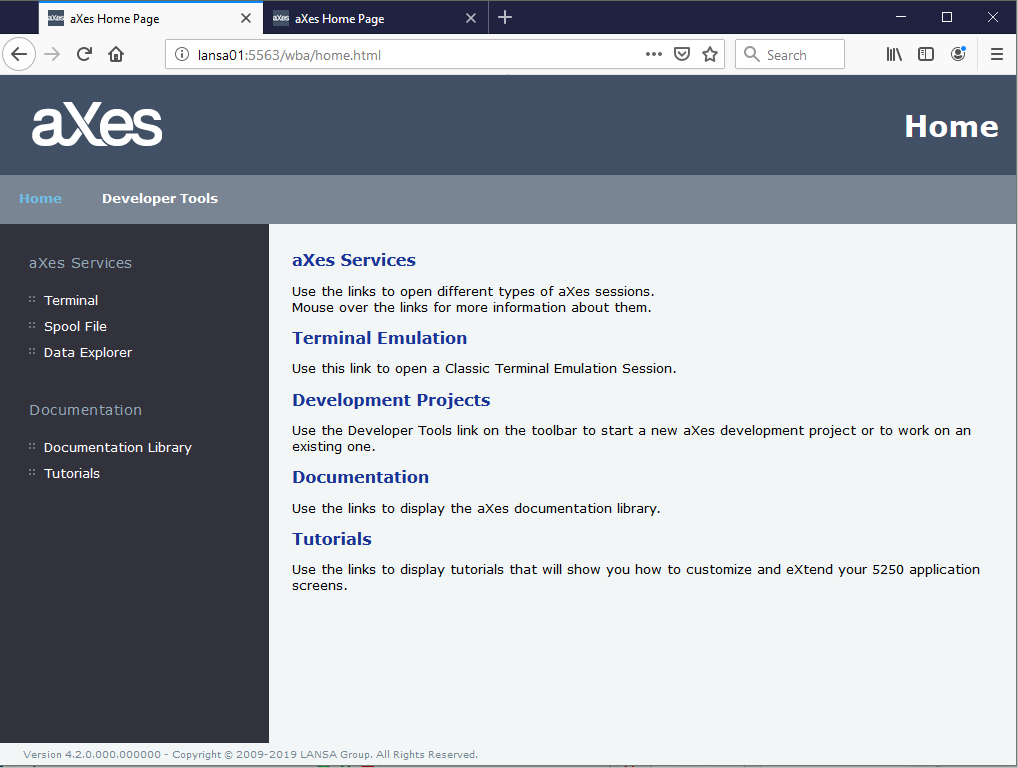
1. Open a browser window and enter a URL like this, specifying the host and port of your aXes-WS server:
http://<host>:<port number>
The resulting screen should look like this:
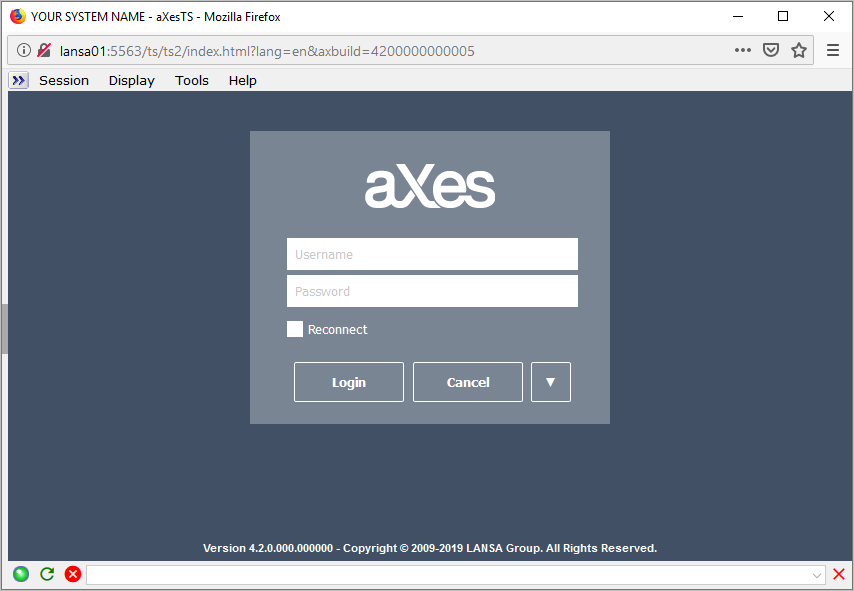
2. Click on the Terminal option in the aXes Services group. A separate window should appear that allows you to sign on to your IBM i server using your normal user profile and password:
3. After verifying you can sign on and access your IBM i server sign off and close the window.
4. Now click on Developer Tools option on the menu bar.
5. When the web logon dialog appears sign on as user dev with password dev.
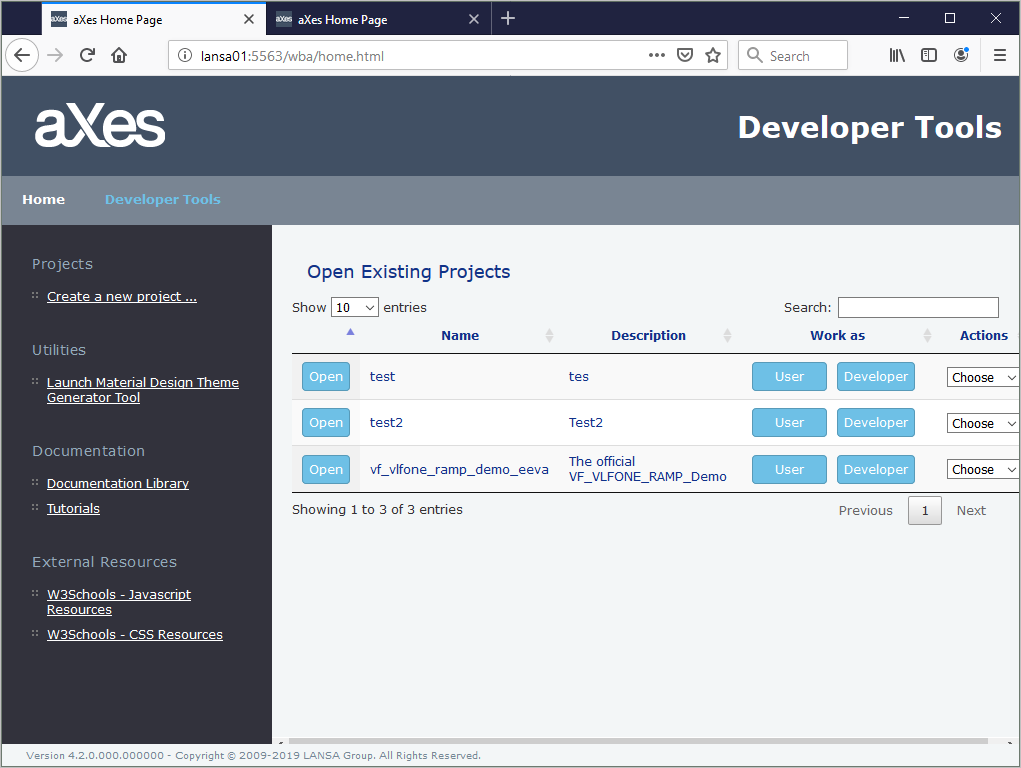
The aXes projects home page is displayed:
6. Verify that you can log on to your IBM i server, using your user profile and password.