Name | Description | Type | Length | Input Attribute |
|---|---|---|---|---|
iiiDATE | Start Date | Date | 10 | |
iiiDTETME | Last Updated | DateTime | 25 | |
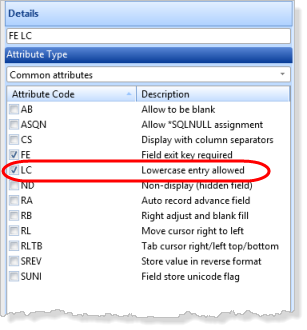
iiiNOTE | Comments | String | 512 | LC |
iiiGENDER | Gender | Alphanumeric | 1 | |
iiiTIME | Create Time | Time | 8 | |
iiiCUREMP | Current Employee | Alphanumeric | 1 |
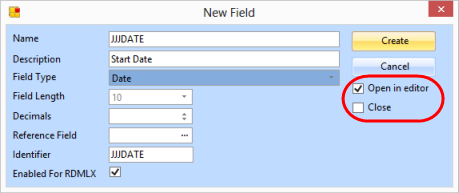
Use the New Field dialog, to open each field in the Editor and for the dialog to remain open. Fields will be automatically flagged as RDMLX when a type such as Date is selected:
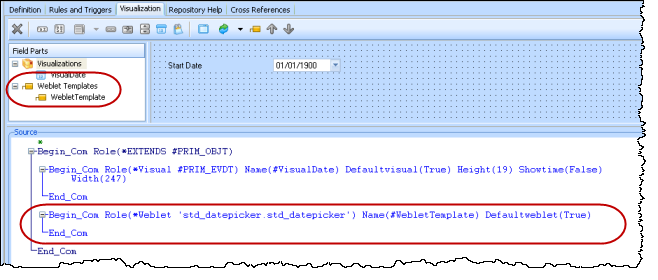
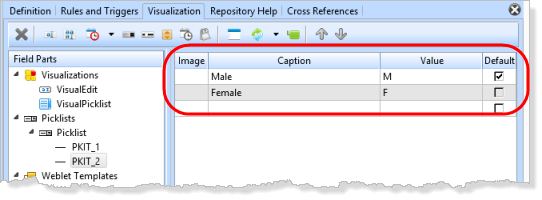
 insert Weblet Template toolbar button.
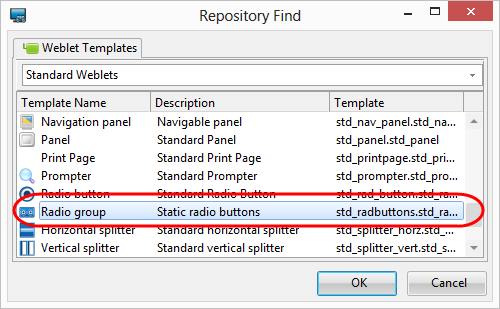
- If necessary, in the Repository Find dialog, select Standard Weblets in the dropdown.
- Add a Radio Group weblet.
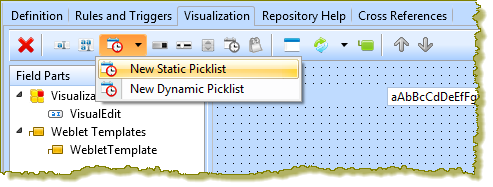
toolbar button to add a Checkbox weblet visualization.The Checkbox weblet will return, by default, values of Y and N which are correct values for field iiiCUREMP. In this case a static picklist is not required.