WhereScape Enablement Pack for Snowflake - RED 10
This is a guide to installing the WhereScape Enablement Pack for Snowflake for WhereScape RED10

Prerequisites for Target Database
Before you begin the following prerequisites must be met:
- Access to a Teradata (Target Environment), with the following connectivity information:
- Server Name
- Database Name
- User Name
- Password
- At least one database available to use as a RED Data Warehouse Target with permissions CREATE, EXECUTE, DROP, SELECT
PROCEDURE.
- Create Database and ODBC DSN Teradata ODBC driver (64-bit)
- Add ODBC DSN for Teradata Target Database
- The 'Return Output Parameters As ResultSet' option is to be checked in the driver options setting.
- Software installation
- Install the necessary Teradata Tools and Utilities (TTU) (TBuild CLI Tool) as per Teradata's documentation.
- Python 3.8 or higher
- Select "Add Python 3.8 to PATH" from installation Window
- Pip Manager Install with command: python -m pip install --upgrade pip
Installation Through Setup Wizard
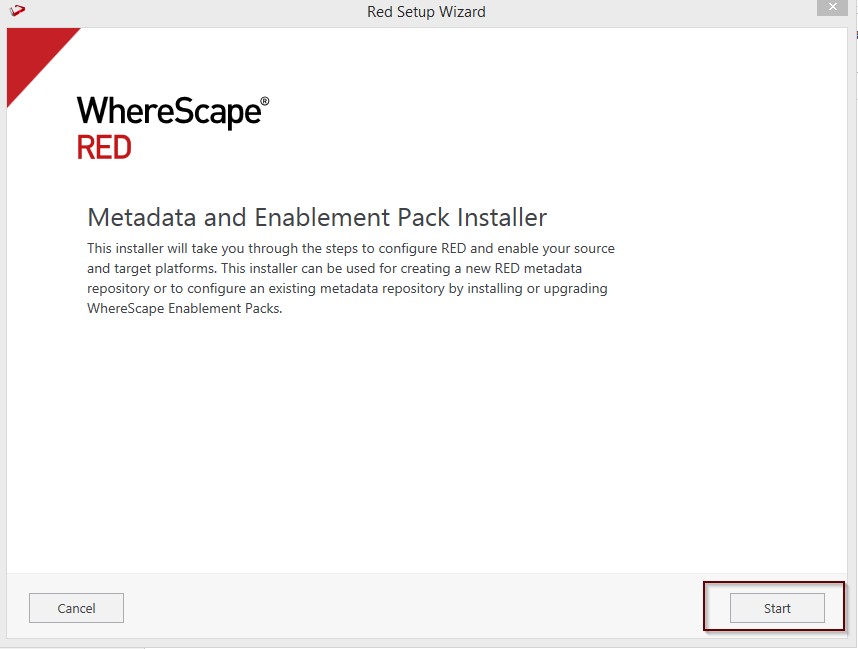
Run Setup Wizard as administrator
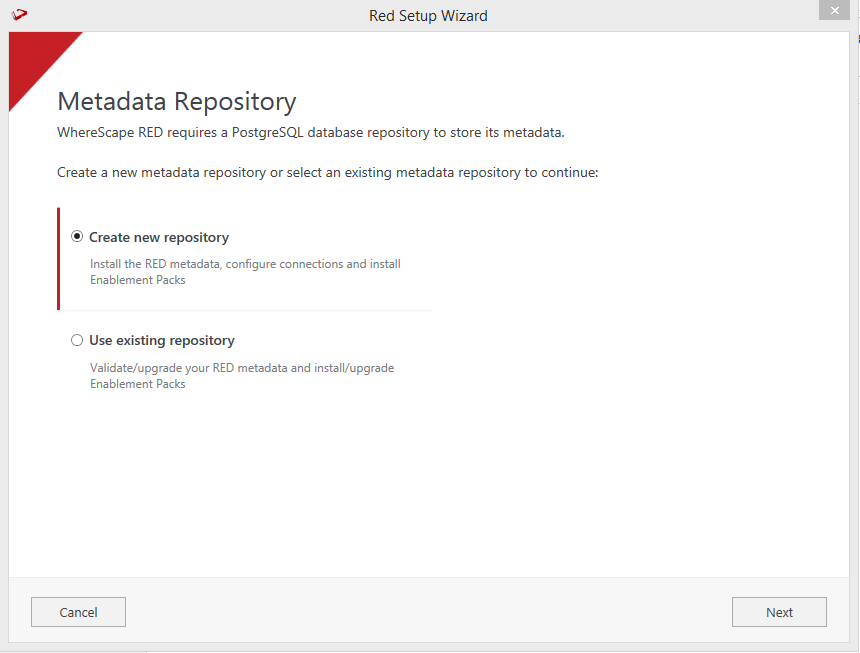
Create a new repository or upgrade an existing repository.
Select the created ODBC DSN, input login details, and then select Validate. Click Next