
To export table comments from RED, select Tools > Table and Column Comments > Export Column Comments.
The Column Comments Export pop-up window is displayed:
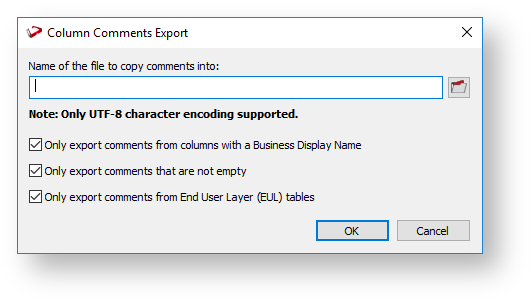
All the above options are selected by default.
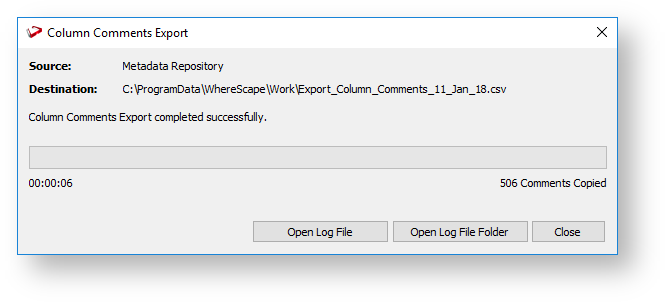
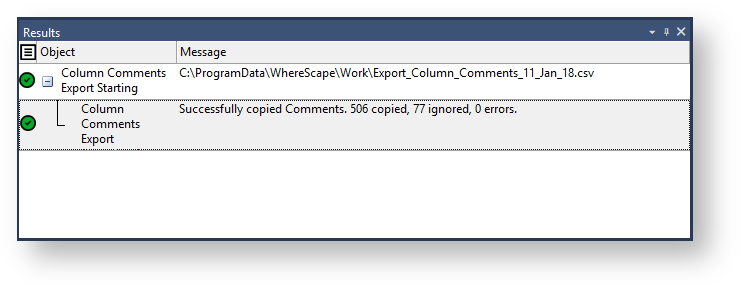
After completing the export process, you can click Open Log File or Open Log File Folder to view the log file generated. Refer to Viewing the Import/Export Logs for more details. |

Each row of data includes the Table Name, Column Name, Column Title/Business Display Name, and Column Comments (Description)
The table and column comments import/export only supports UTF-8 character encoded files.
|