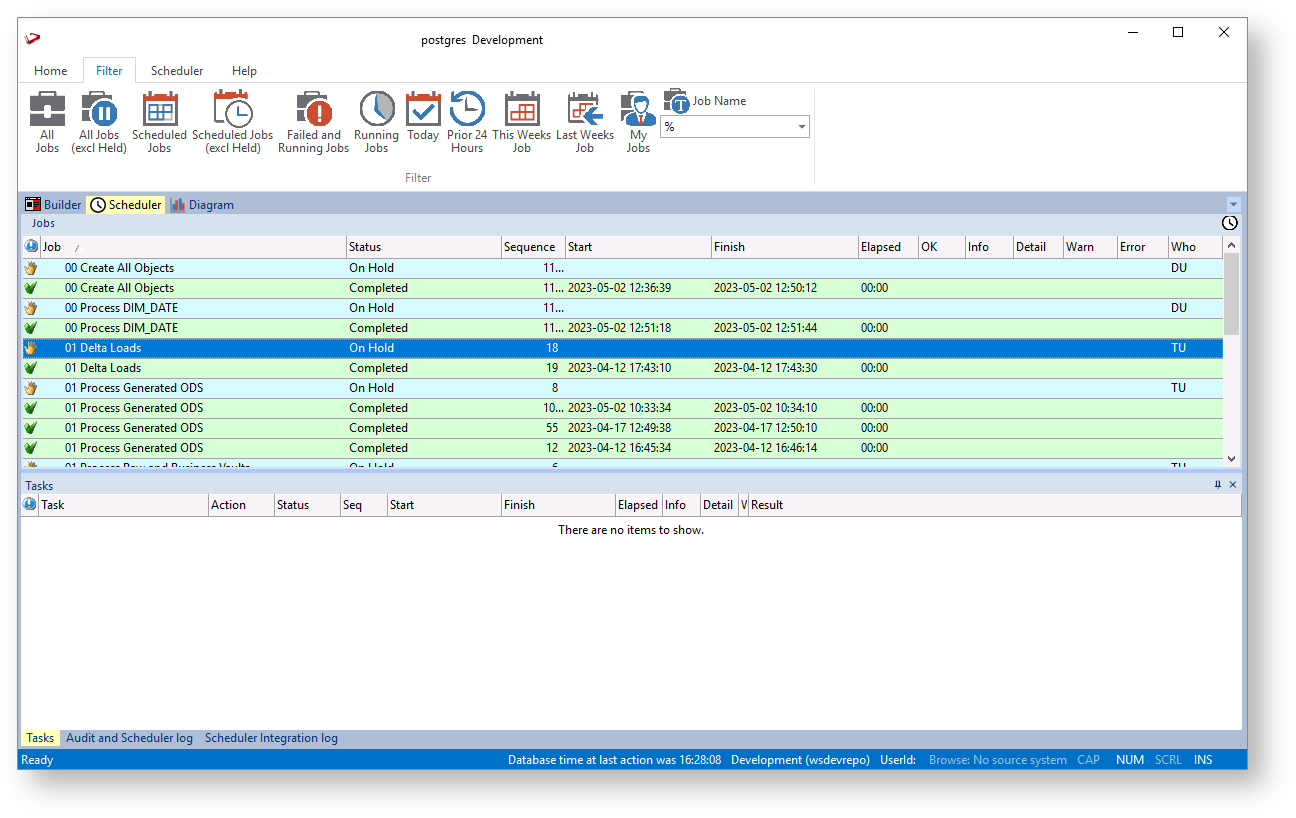
The Scheduler Window is used as the main interface to the scheduler. Jobs can be scheduled, monitored, edited, and deleted through this window.

Icon | Description |
|---|---|
| All Jobs - Click to view all jobs. |
| Scheduled - Click to view scheduled jobs. |
| Run/ Fail - Click to view jobs that run/fail. |
| Running Jobs - Click to view the current running jobs. |
| Today - Click to view jobs scheduled for today. |
| Prior 24 Hours- Click to view all the jobs before the 24 hours. |
| This Week Job - Click to view this week jobs. |
| Last Weeks Job - Click to view last week jobs. |
| My Jobs - Click to view jobs you created. |
| Job Name Filter - Optional Job name criteria to be applied via the core job selection criteria to further filter jobs. |
Refer to Scheduler for more details.


