
- Win64 OpenSSL v3.x.x for 64-bit systems
- Win32 OpenSSL v3.x.x for 32-bit (less common)
Snowflake Key Pair Authentication provides an enhanced security alternative to traditional username and password authentication.
This method relies on a public-private key pair, typically generated using OpenSSL, to establish secure connections.
Please go through snowflake documentation for more details https://docs.snowflake.com/en/user-guide/key-pair-auth
Follow the steps below to complete the Open SSL Setup
Invoke-WebRequest -Uri "https://slproweb.com/download/Win64OpenSSL-3_5_2.exe" -OutFile "$env:USERPROFILE\Downloads\Win64OpenSSL-3_5_1.exe"explorer "$env:USERPROFILE\Downloads"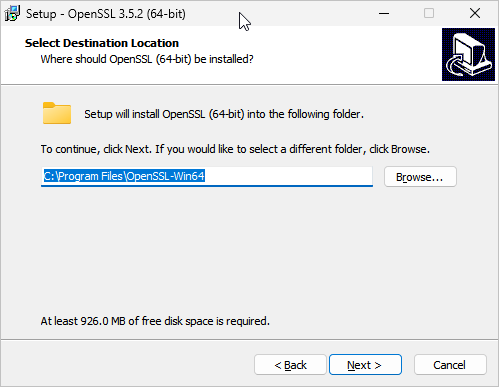
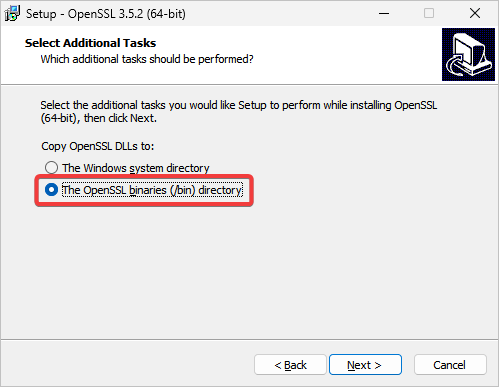
After a successful installation, add C:\Program Files\OpenSSL-Win64\bin to the Path variable in the system
environment variables.
Then check the installed Open SSL version by running the command below in the command prompt:
openssl genrsa 2048 | openssl pkcs8 -topk8 -inform PEM -out <private_key_filename.p8> -nocryptopenssl genrsa 2048 | openssl pkcs8 -topk8 -v2 des3 -inform PEM -out <private_key_filename.p8>
You can find the file at the same location where the command was executed. Use File Explorer to verify that the file has been created.
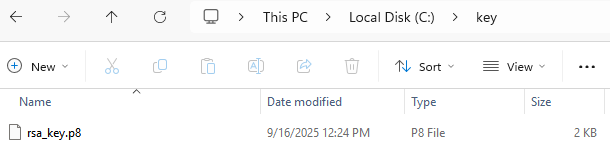
→ Private key is generated
Run the below command in cmd
openssl rsa -in rsa_key.p8 -pubout -out <public_key_filename.pub>

You can find the file at the same location where the command was executed. Use File Explorer to verify that the file has been created.
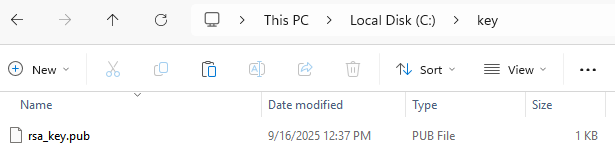
→ Public key is generated
Open the public key file in the text editor. Copy only the key without line break
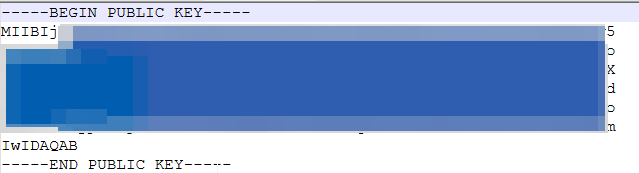
ALTER USER MY_SERVICE_USER SET RSA_PUBLIC_KEY='MIIBIjANBgk................';DESC USER USERNAME ->> SELECT SUBSTR( (SELECT "value" FROM $1 WHERE "property" = 'RSA_PUBLIC_KEY_FP'), LEN('SHA256:') + 1) AS key;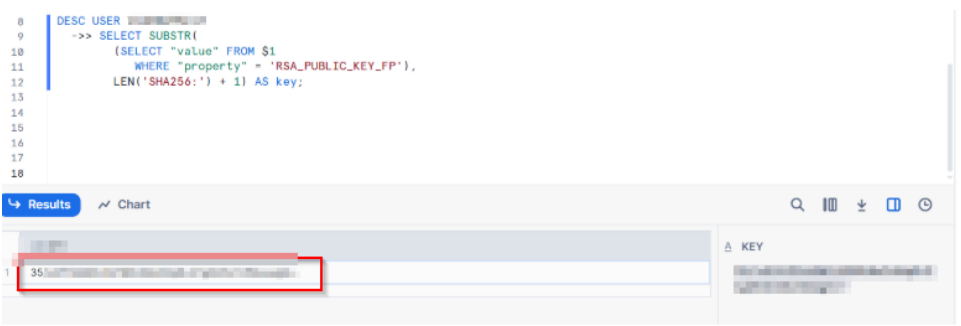
openssl rsa -pubin -in rsa_key.pub -outform DER | openssl dgst -sha256 -binary | openssl enc -base64
Install the latest version of the Snowflake ODBC Driver
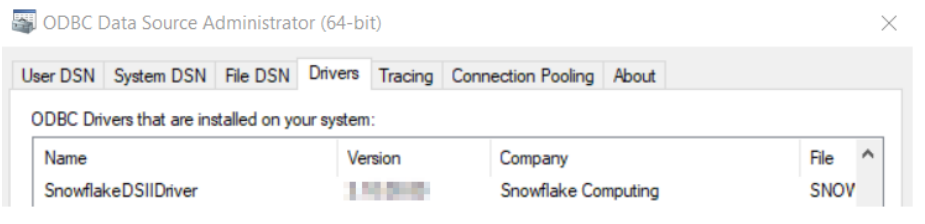
Create a DSN by adding the required details and test it.
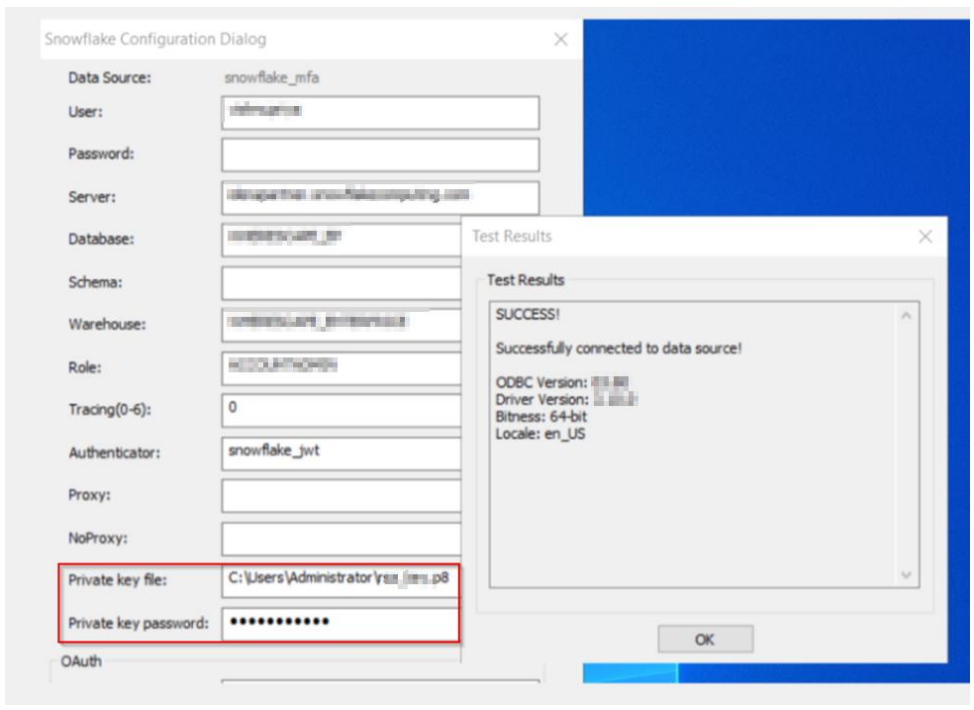
Alternatively, if you plan to continue using the existing driver, you can manually add additional fields via the Registry Editor by following these steps:
Computer\HKEY_LOCAL_MACHINE\SOFTWARE\ODBC\ODBC.INI\You might come across Role access in Snowflake error as below when the DSN is tested for RSA Key pair:
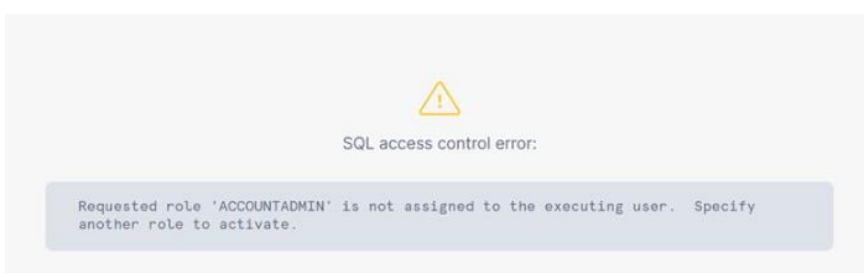
As a fix execute the below command to switch to required <MY_ROLE> .MY_ROLE is the Role assigned to the user in the Snowflake account
GRANT ROLE <MY_ROLE> TO USER <MY_SERVICE_USER>;