Snowflake enables OAuth for clients through integrations. An integration is a Snowflake object that provides an interface between Snowflake and third-party services. Administrators configure OAuth using a Security integration, which enables clients that support OAuth to redirect users to an authorization page and generate access tokens (and optionally, refresh tokens) for accessing Snowflake.
Snowflake supports the OAuth 2.0 protocol for authentication and authorization using one of the options below:
Partner applications
Custom client integration
Managing user consent
Single-use tokens
Microsoft Entra ID integration
Okta integration
PingFederate integration
Power BI integration
Custom authorization server
Partner applications
Refer Snowflake documentation for more details https://docs.snowflake.com/en/user-guide/oauth-intro
Here we outline the configuration of Snowflake as an OAuth resource with okta serving as the external OAuth authorization server.
okta must be configured in your environment as a prerequisite to Snowflake integration. |
Once done, please follow the steps below to integrate with Snowflake.
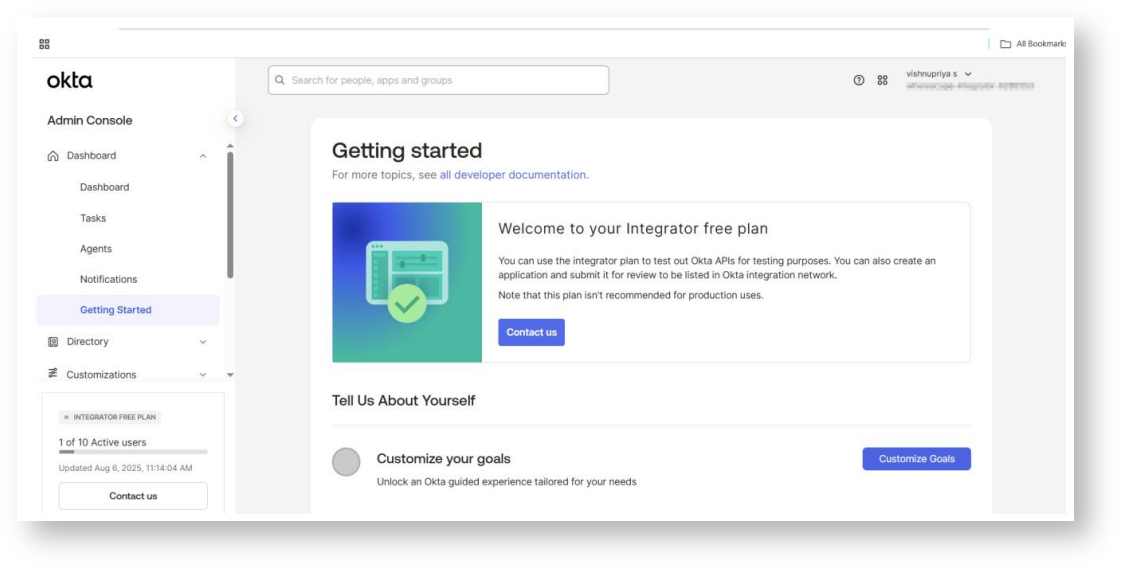
Login to okta console
Create an OAuth compatible client to use with Snowflake

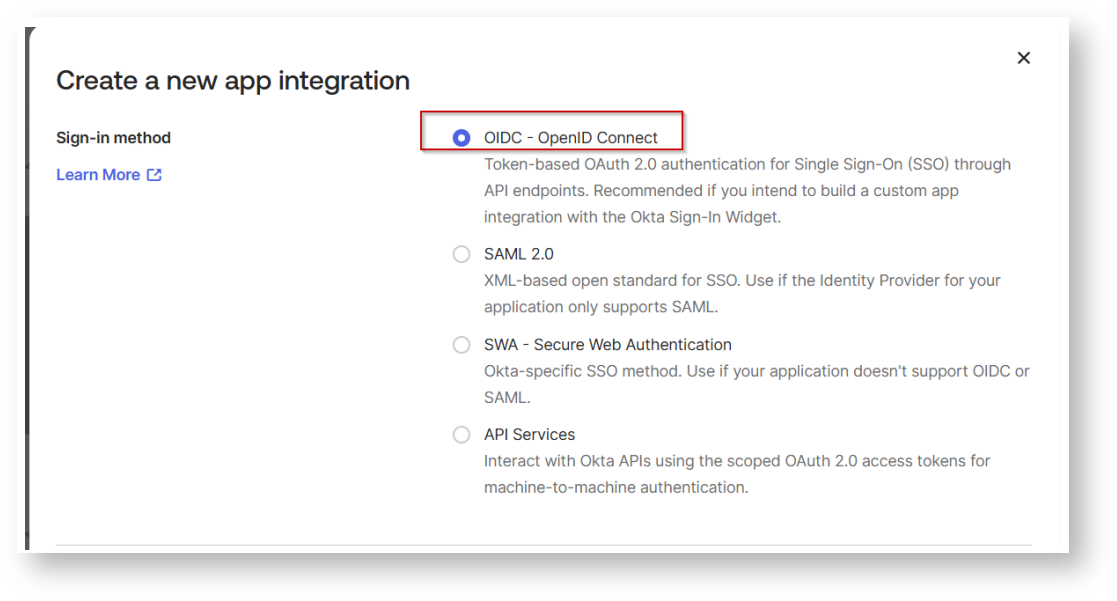

You can also edit the name of the application

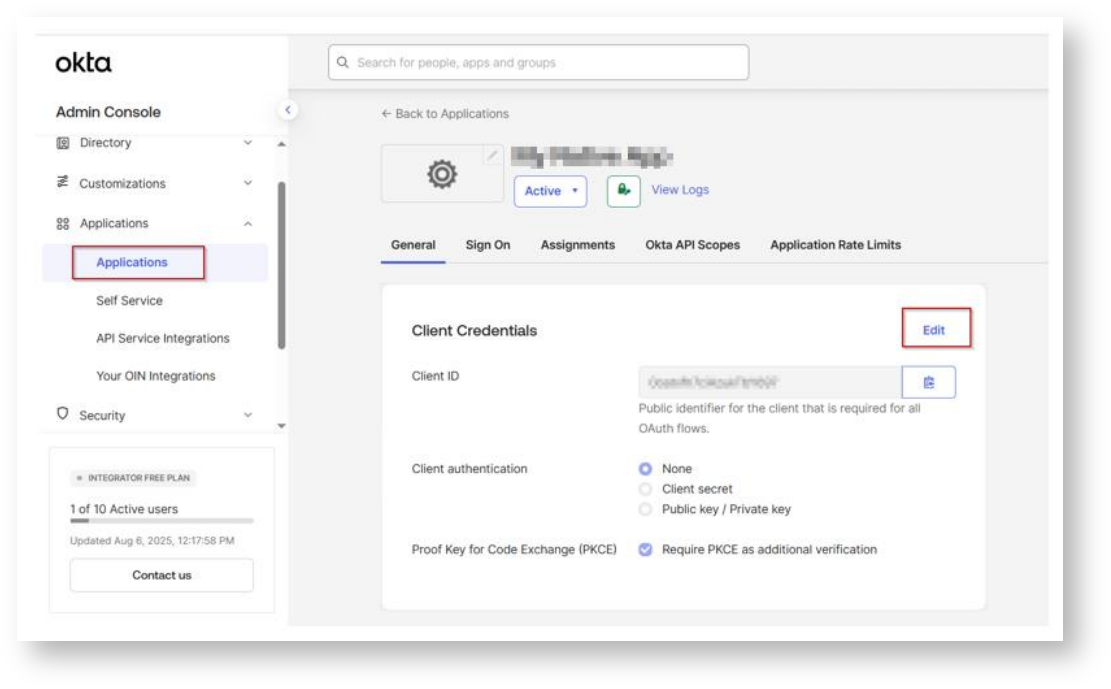

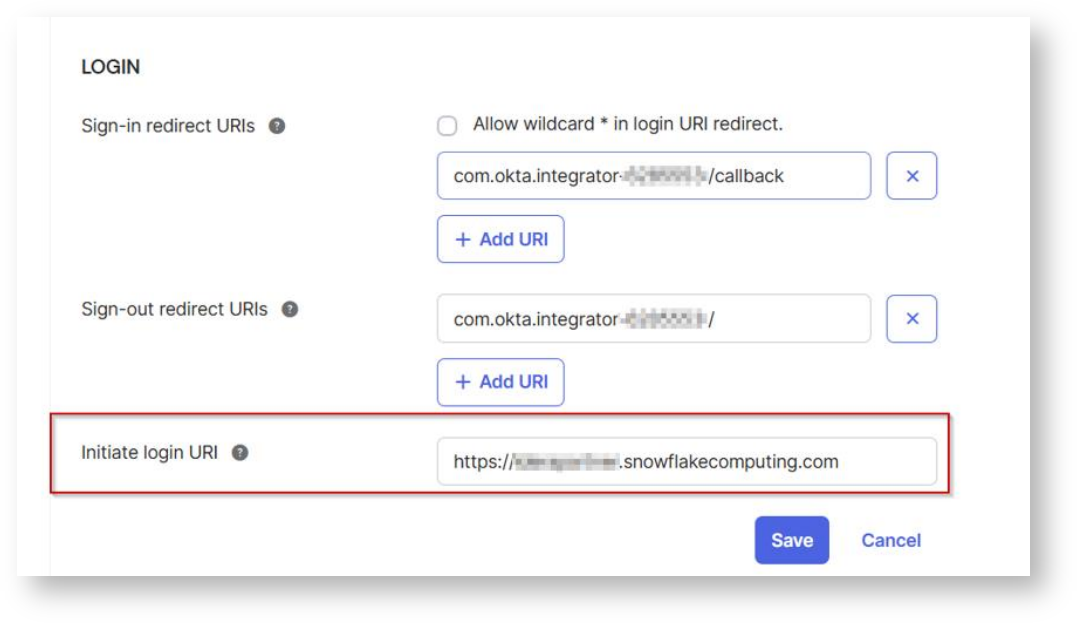
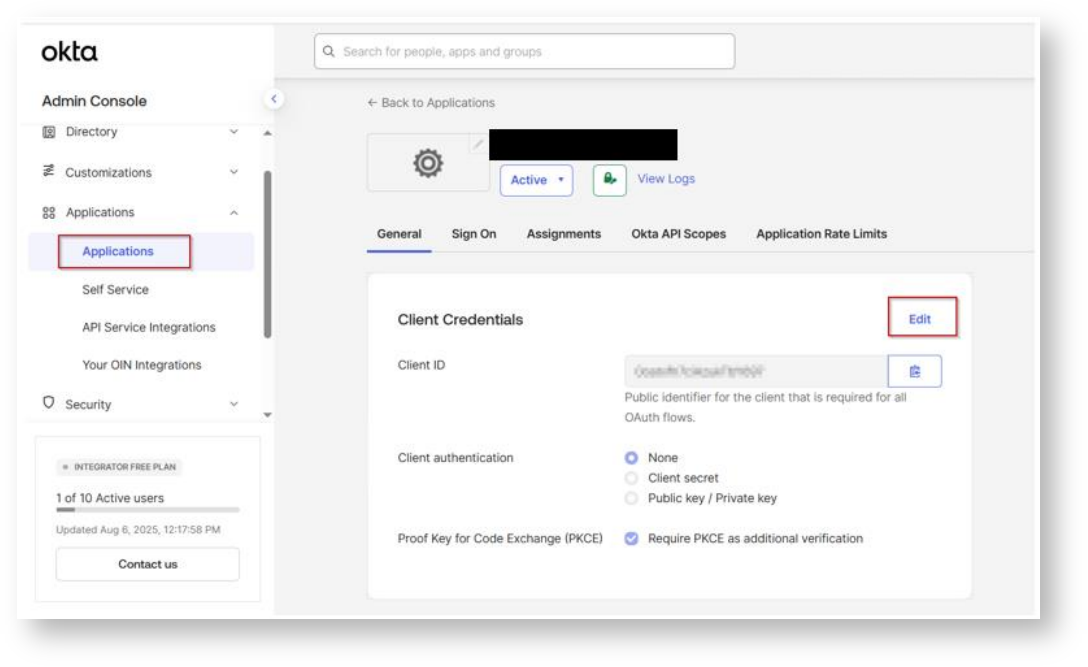
In the Client Credentials container, save the ClientID and Secret. These two values will be known as the <OAUTH_CLIENT_ID> and <OAUTH_CLIENT_SECRET>, respectively in the following
steps.


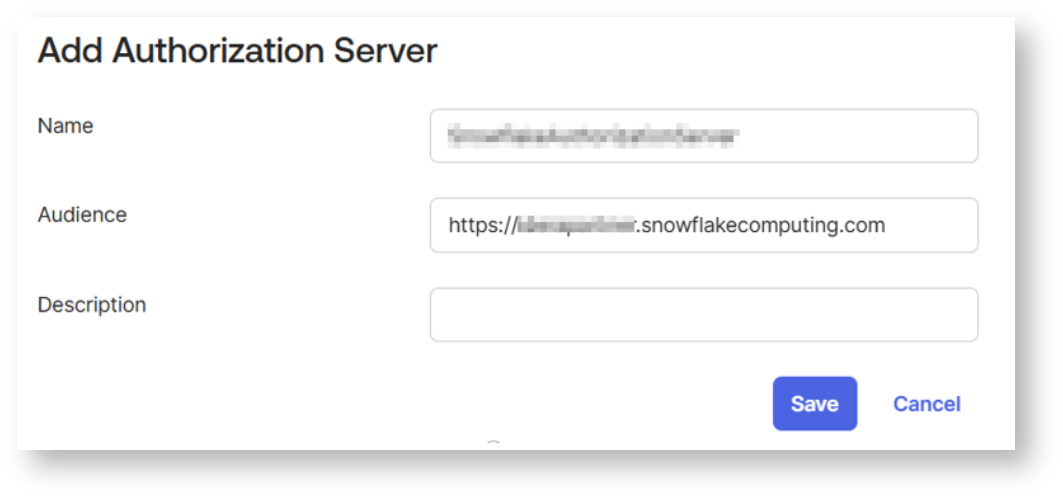

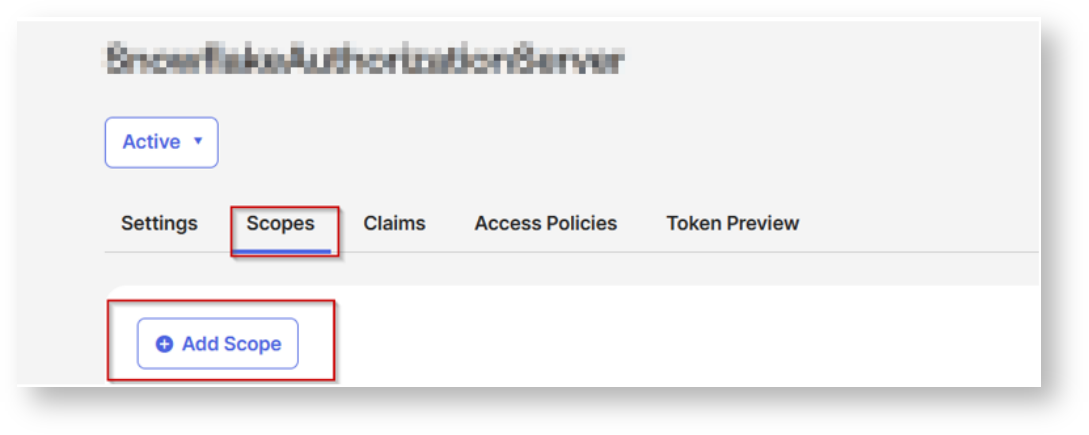
Complete the following steps for the newly added Authorization Server.


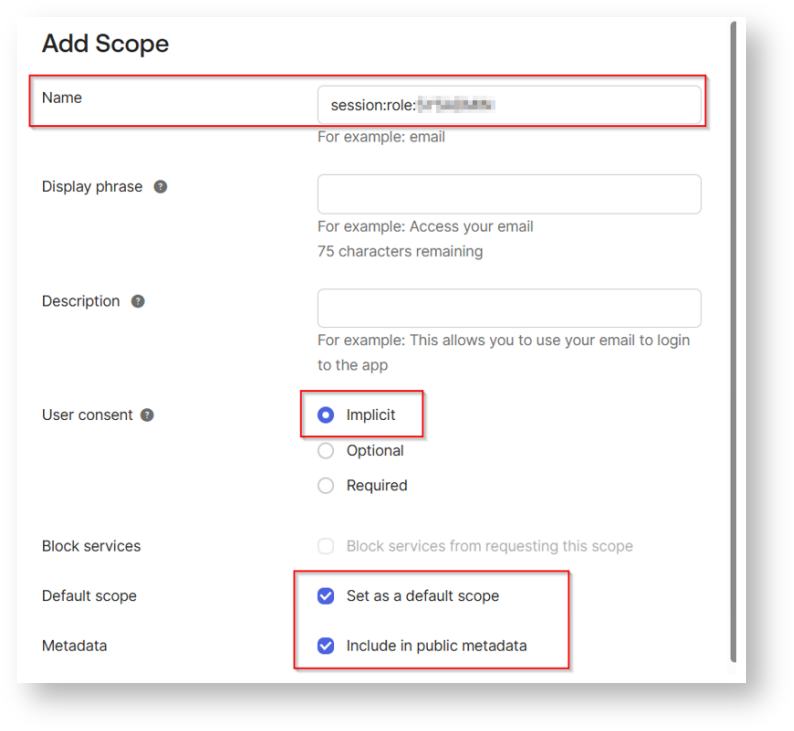


You can also update the policy by selecting your own client.
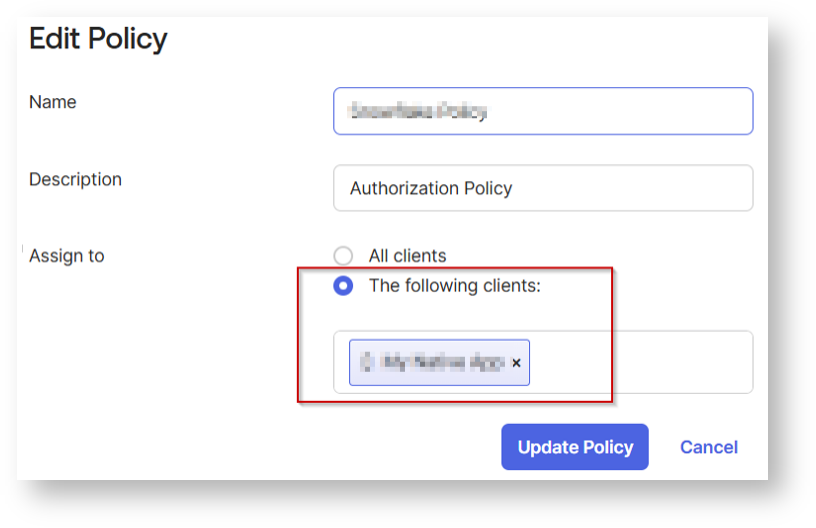


For scopes, you can select any of the scopes or select the desired scopes created earlier that clients assigned to this policy will be able to request (including offline_access for refresh tokens if needed). Configure any additional settings as needed.

Click Create Rule.
To Verify:
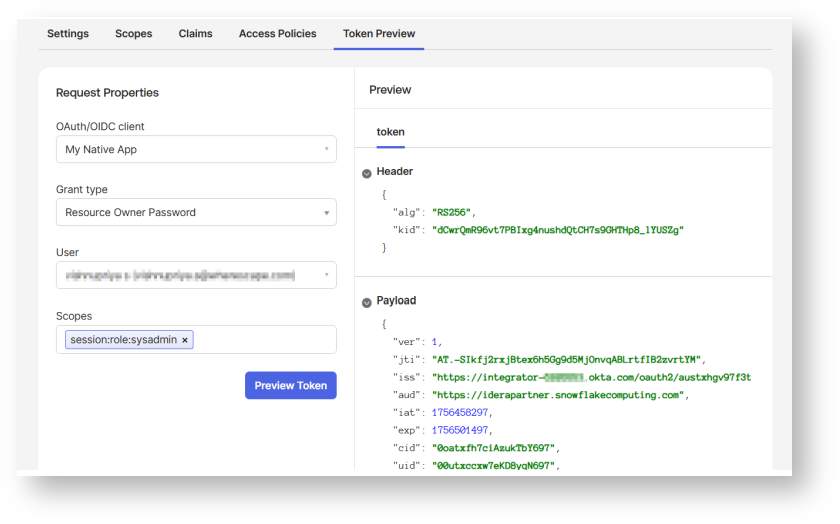
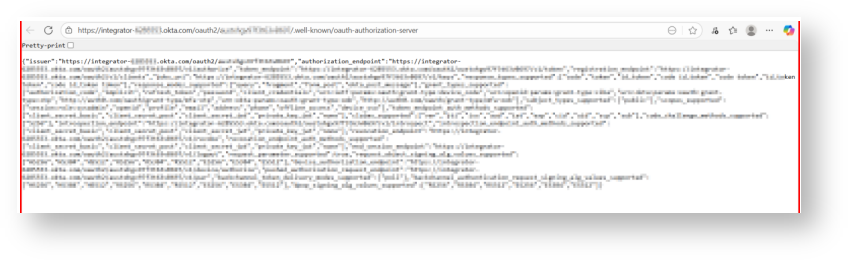
In the Metadata document:
This step creates a security integration in Snowflake. The security integration ensures that Snowflake can communicate with Okta securely, validates the tokens from Okta, and provides the appropriate Snowflake data access to users based on the user role associated with the OAuth token.
The external_oauth_audience_list parameter of the security integration must match the Audience that you specified while configuring Okta.
create security integration <external_oauth_okta_2>
type = external_oauth
enabled = true
external_oauth_type = okta
external_oauth_issuer = '<OKTA_ISSUER>'
external_oauth_jws_keys_url = '<OKTA_JWS_KEY_ENDPOINT>'
external_oauth_audience_list = ('<snowflake_account_url')
external_oauth_token_user_mapping_claim = 'sub'
external_oauth_snowflake_user_mapping_attribute = 'login_name'

Generate Access Token:
Here is an example for getting an access token using cURL
curl -X POST -H "Content-Type: application/x-www-form-urlencoded;charset=UTF-8" \ --user <OAUTH_CLIENT_ID>:<OAUTH_CLIENT_SECRET> \ --data-urlencode "username=<OKTA_USER_USERNAME>" \ --data-urlencode "password=<OKTA_USER_PASSWORD>" \ --data-urlencode "grant_type=password" \ --data-urlencode "scope=session:role:analyst" \ <OKTA_OAUTH_TOKEN_ENDPOINT>
Configure the ODBC DSN:
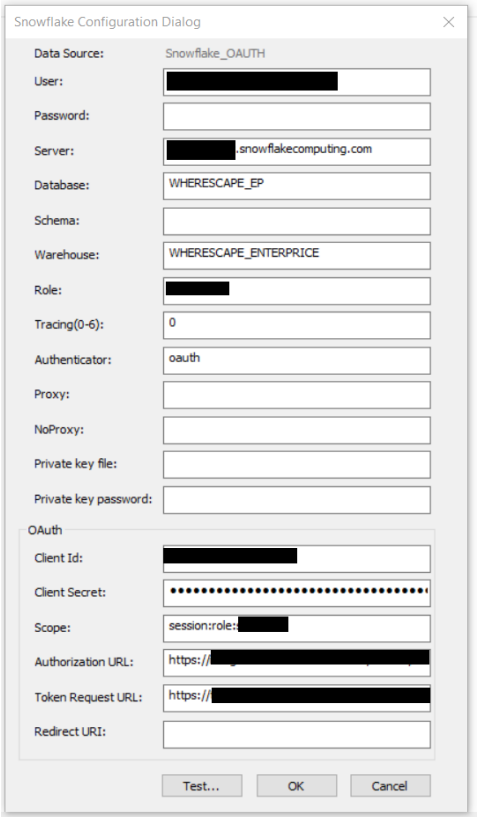
Add access token Registry Editor by following the below steps:
Computer\HKEY_LOCAL_MACHINE\SOFTWARE\ODBC\ODBC.INI\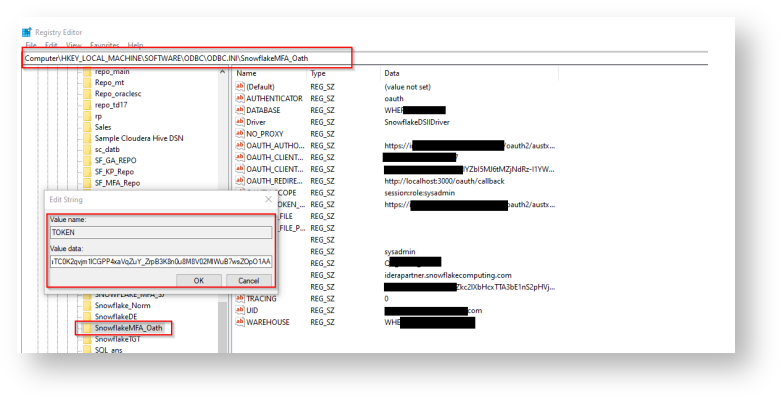
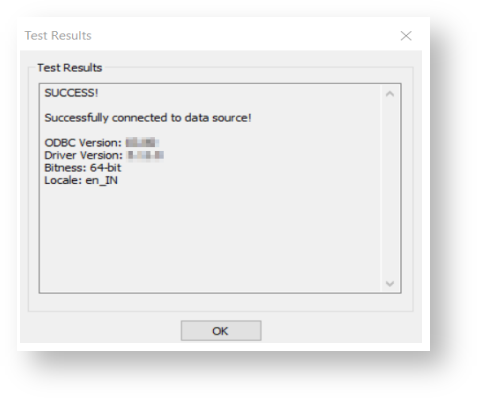
Test the ODBC DSN: