WhereScape Enablement Pack for Hive - RED 10
This is a guide to installing the WhereScape Enablement Pack for HIve for WhereScape RED10
Prerequisites for Target Database
Before you begin the following prerequisites must be met:
- Access to a Hive (Target Environment) with the following connectivity information:
- Server Name
- Database Name
- User Name
- Password
- Hive software installed
- Hive ODBC driver (64-bit)
- Add ODBC DSN for Hive Database
- Hive ODBC driver (64-bit)
- Python 3.11 or higher
- Select "Add Python 3.11 to PATH" from installation Window
- Pip Manager Install with command :
python -m pip install --upgrade pip
Installation Through Setup Wizard
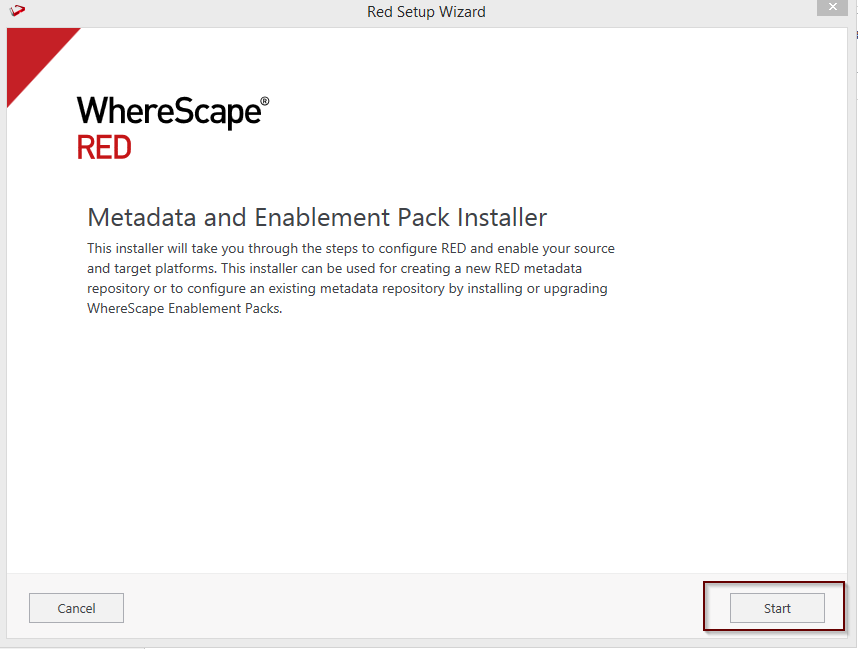
Run Setup as administrator
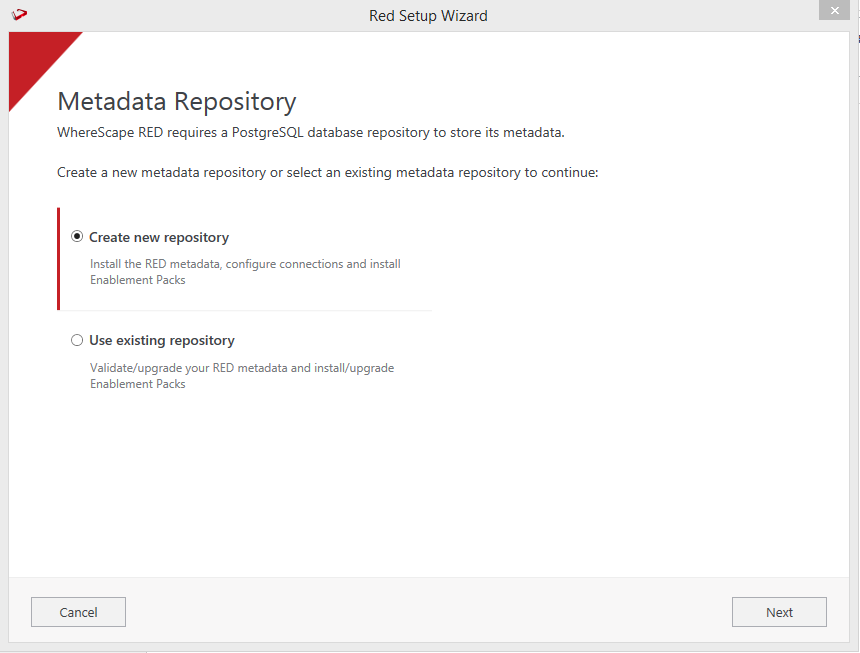
Create a new repository or upgrade an already existing repository.
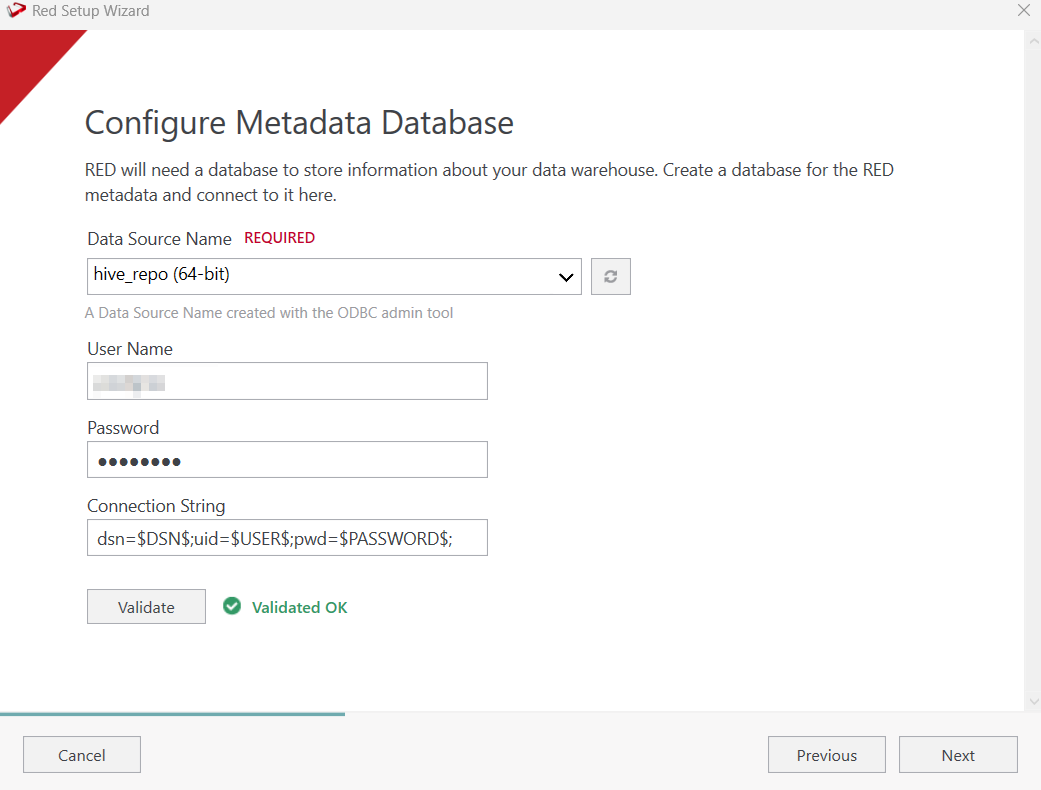
Select the created ODBC DSN, input login details, Connection String and then select "Validate". Press Next.
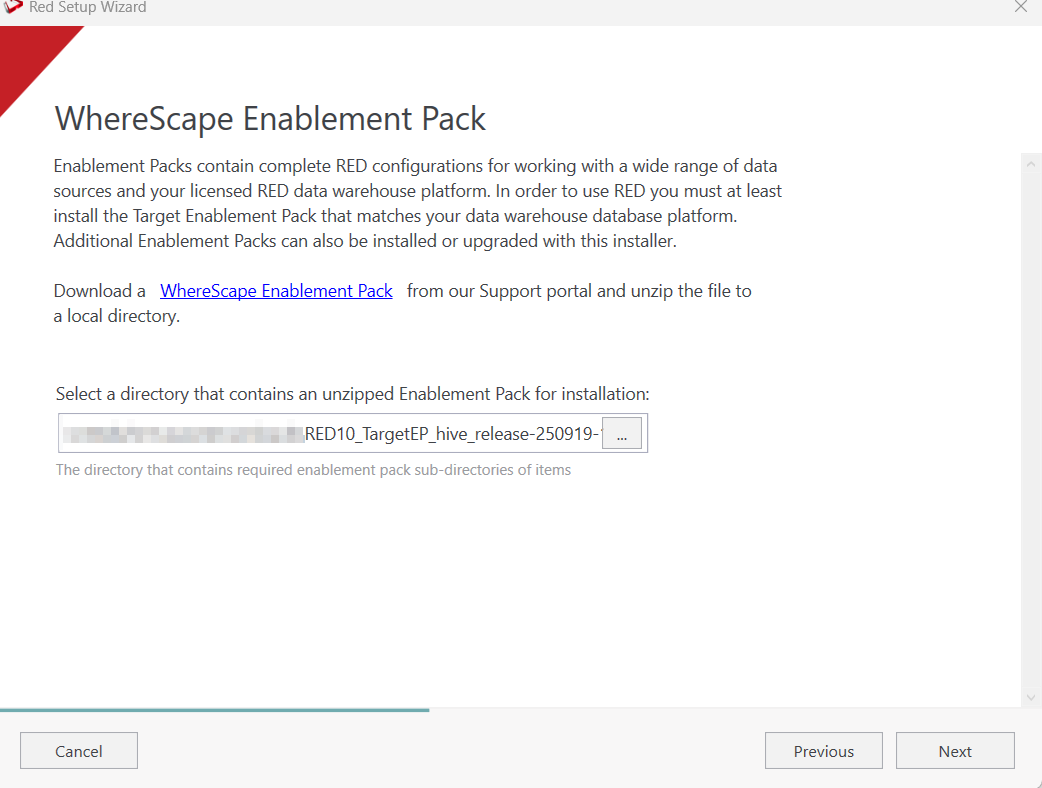
Select the directory that contains the unzipped Enablement Pack for installation. Press Next.
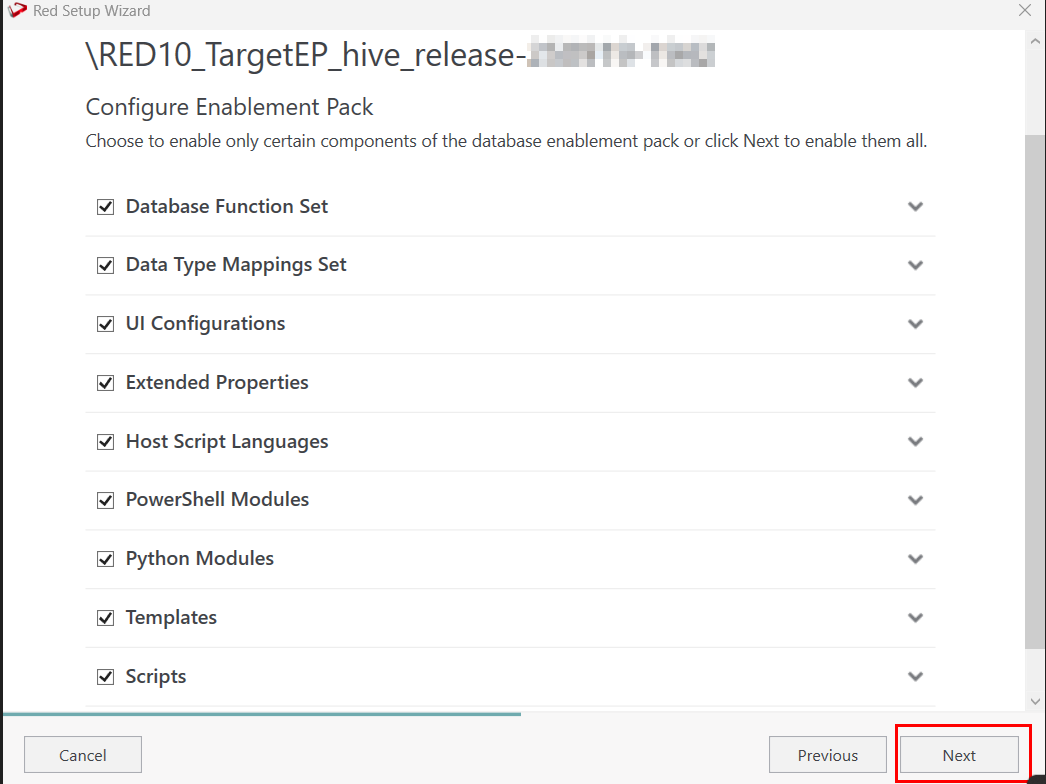
Using the check boxed list, include or exclude the components that are to be installed. Press Next.
Configure a target connection (example, Data Warehouse) and its target locations. Validate and press Add.
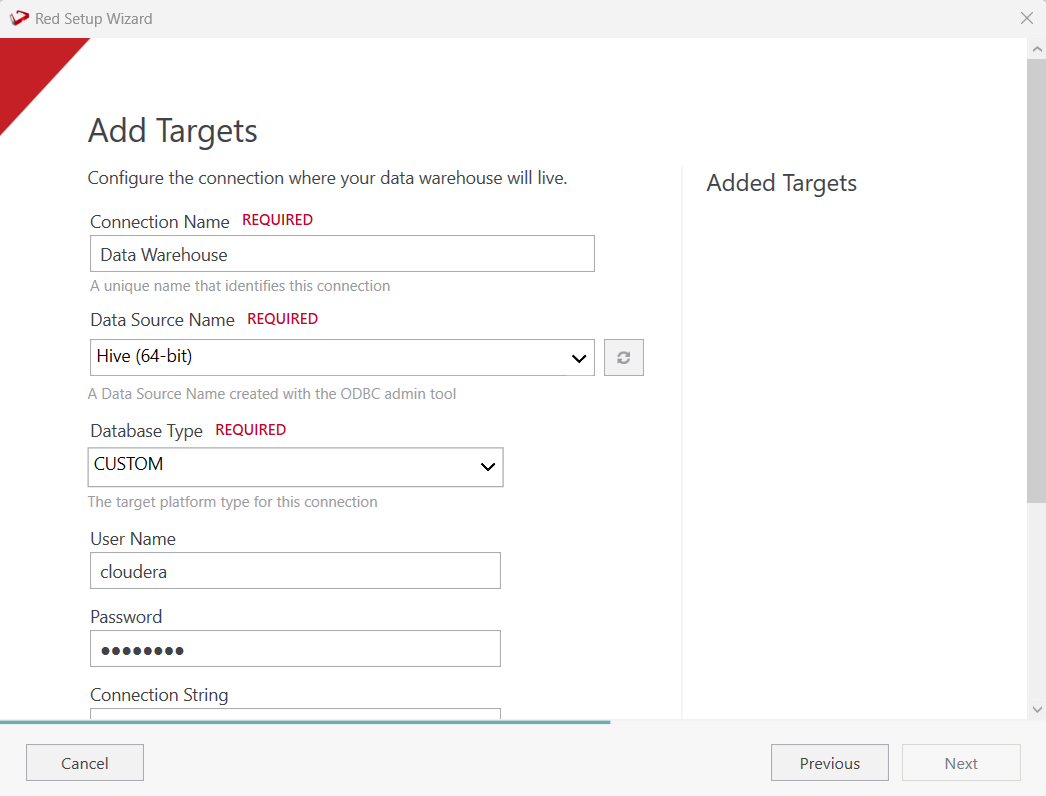
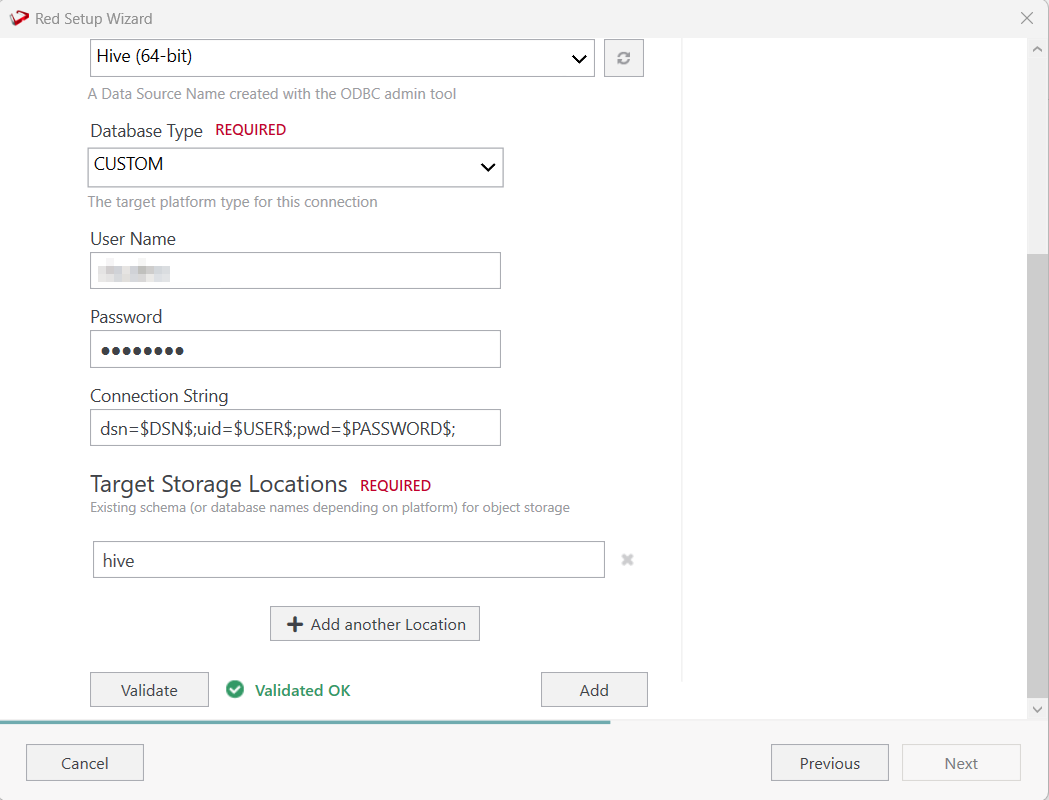
When done, press Add and then press Next to advance.
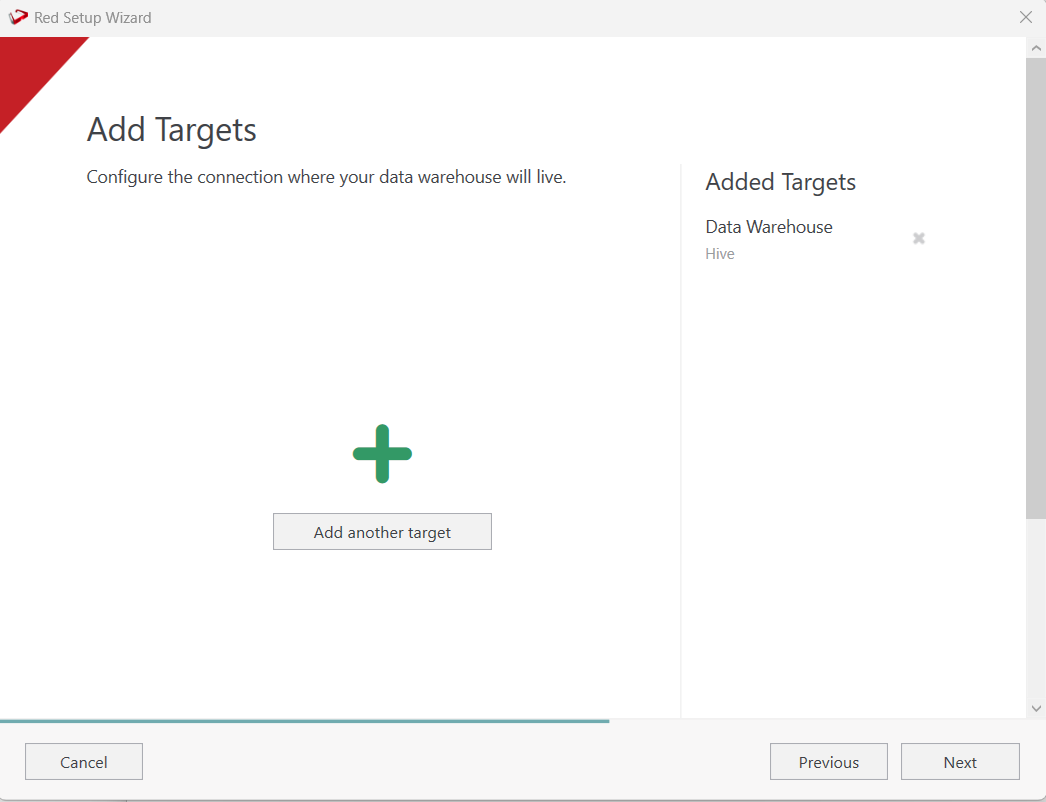
Configure a data source connection (optional) and its target locations. Validate and press ADD. Press Next to advance.