With Auto Discovery, Uptime Infrastructure Monitor can detect systems on your network that have an IP address within a specified range, as well as other search criteria:
ping utility is used to determine whether systems are available on the networkSystems that are repeatedly discovered with different checks (e.g., both an Uptime Infrastructure Monitor Agent and WMI implementation are detected on the same system) are by default assigned a type based on the first check that resulted in its discovery. The auto-discovery order is as follows: agent check, WMI check, network device discovery, Net-SNMP probe.
Once a list of systems in the range of IP addresses that you specified is generated, you can selectively add them to Uptime Infrastructure Monitor.
The Auto-Discovery wizard runs automatically the first time you launch Uptime Infrastructure Monitor or can be launched at any time by clicking the Config tab, and then clicking Auto Discovery from the left menu.
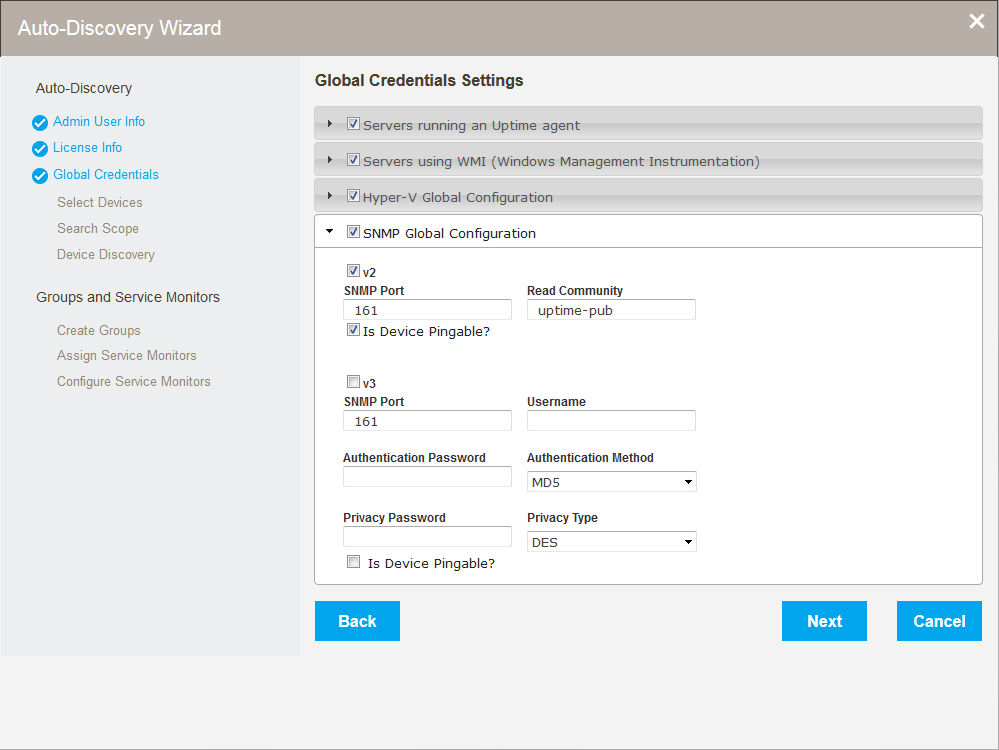
The Global Credentials Settings page of the Auto-Discovery Wizard allows users to set global configurations and credentials including :
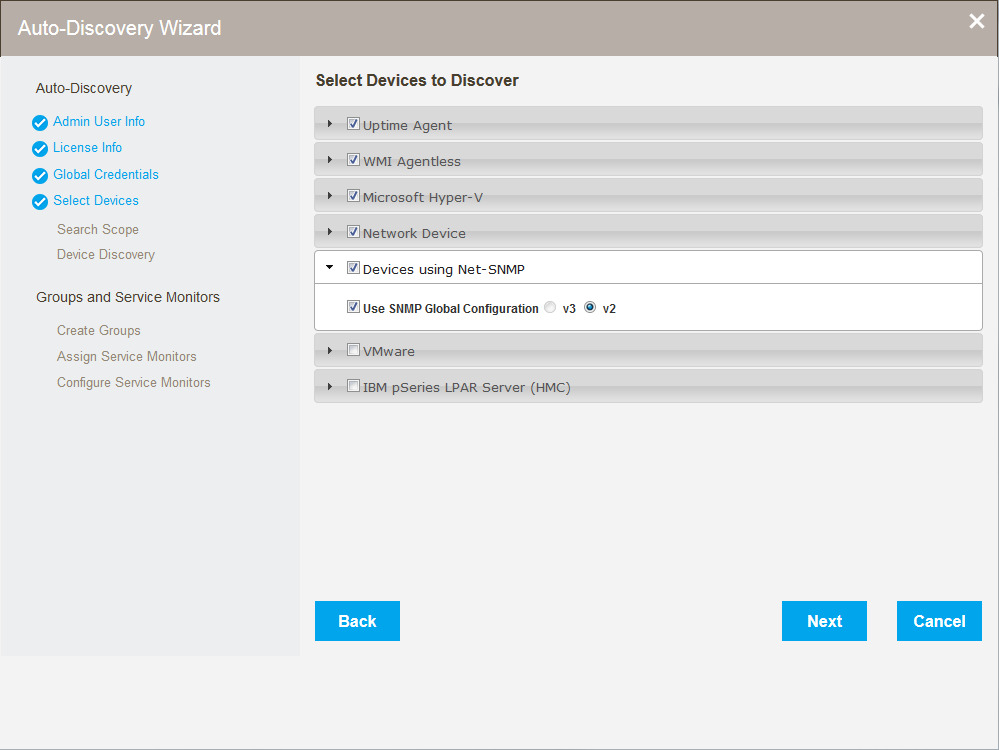
The Auto-Discovery Wizard Select Devices to Discover page lets users set options to filter the types of devices discovered when the wizard runs. All of the following device types can be discovered and added in a single pass of the Auto-Discovery Wizard:
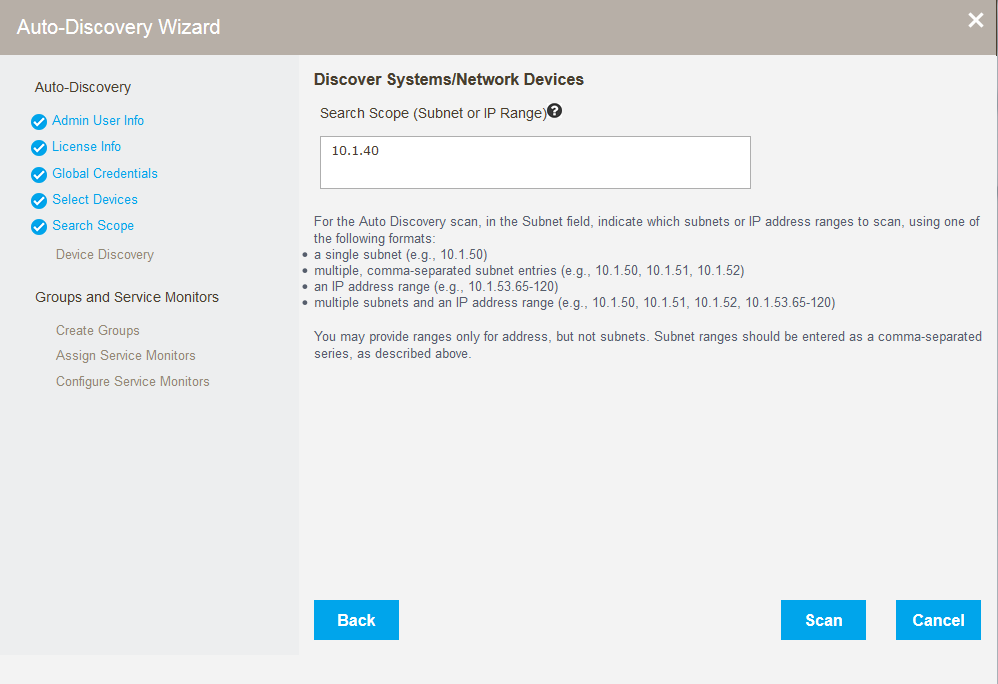
Restrict the range the Auto-Discovery Wizard searches using the Discover Systems/Network Devices page. Simply enter a subnet or IP range to filter where to look for new devices.
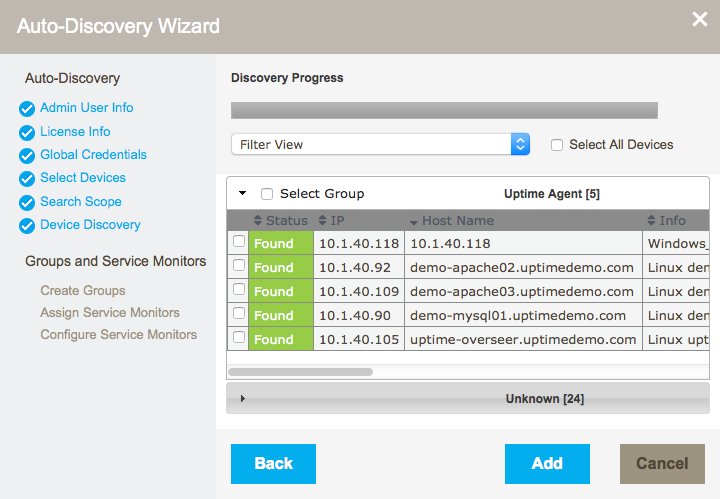
Once discovered, select devices to:
Depending on the type of devices added, Uptime Infrastructure Monitor automatically creates the following device groups:
The Auto-Discovery Wizard also automatically creates the following groups, which can be viewed in the Infrastructure tab:
Easily add service monitors to devices found and added in discovery. Default values allow users to simply review, and then click Next on the parameter steps to add the monitors. In addition to the monitors created by default, users can easily add: