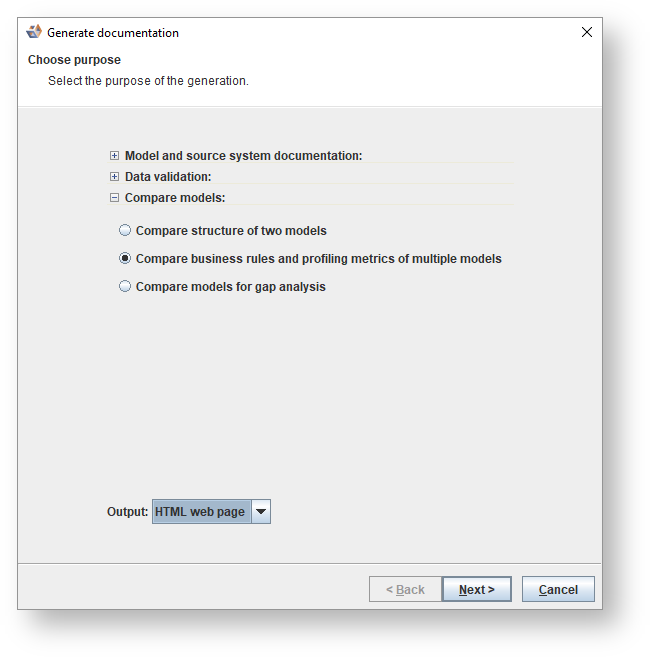
Select Compare business rules and profiling metrics of multiple models as the purpose of the generation.
HTML
To create an HTML web page:
- Choose HTML web page. Click Next to continue.
- Select the models to be compared and click Next to continue.

- The location where the document will be saved will differ according to your user name.

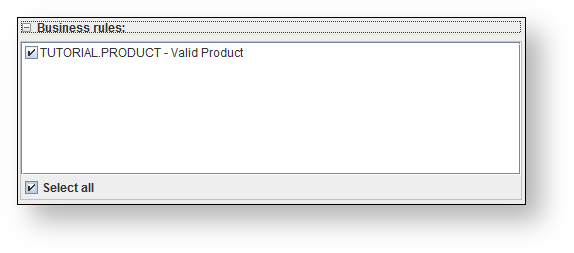
- Select the Business rules.
- Select the Entity metrics.

- Select the Attribute metrics.

- Select the Relationship metrics.

- Click Generate.
The settings for documentation generation are remembered. |
Word
To create a word document.:
- Choose Word Document. Click Next to continue.

- Select the models to be compared and click Next to continue.
- The location where the document will be saved will differ according to your user name.
- Select the Business rules.
- Select the Entity metrics.
- Select the Attribute metrics.
- Select the Relationship metrics.
- Click Generate.
The settings for documentation generation are remembered. |