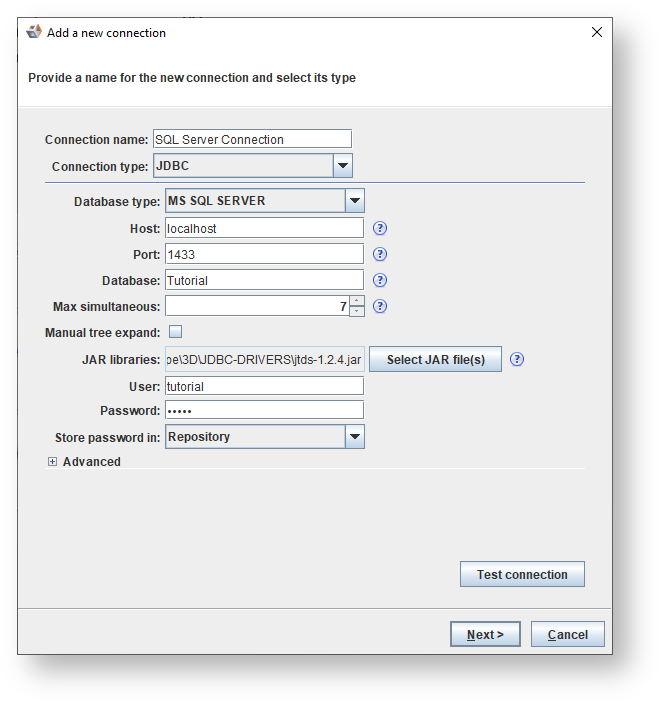
The following screen illustrates a typical SQL Server JDBC connection:
Fields | Description | |
|---|---|---|
Connection name | Enter a name for the connection. | |
Connection type | Select JDBC from the drop-down list. | |
Database type | Select MS SQL Server from the drop-down list. | |
Host | Enter the host name or IP address. | |
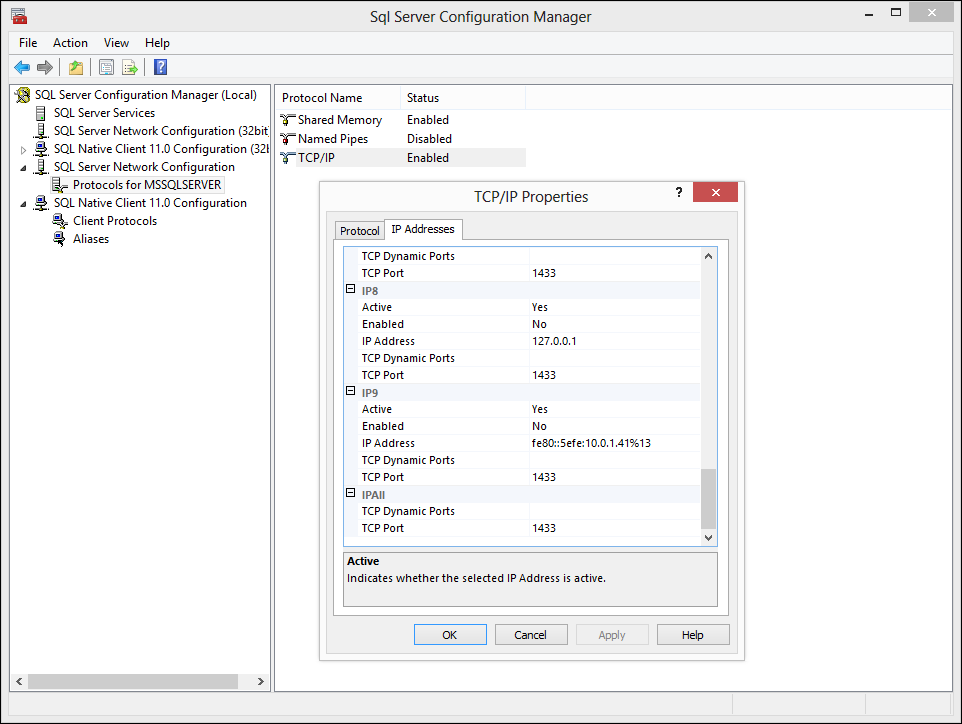
Port | The default SQL Server port is 1433, however this can be changed by the Database Administrator. To determine the port, check the SQL Server Configuration Manager or use path 'C:\WINDOWS\system32\drivers\etc\services' or the registry key 'HKEY_LOCAL_MACHINE\SOFTWARE\Microsoft\Microsoft SQL Server\<InstanceName>\MSSQLServer\SuperSocketNetLib\Tcp'. The port can also be inspected through the command 'netstat -an' or or 'netstat -b'. 'netstat -b' requires running the Command Prompt as an Administrator.
| |
Database | Type the MS SQL Server database name. | |
Max simultaneous | Set the maximum number of simultaneous connections 3D will open to the system. | |
Manual tree expand | Select the checkbox to manually expand and load the database and host connections tree, instead of automatically drilling down the tree. | |
JAR libraries | Select the SQL server jar file from the JDBC-DRIVERS directory. | |
User | Enter the username for connecting to the specific database. | |
Password | Enter the password for connecting to the specific database. | |
Store password in | Select one of the following options if you choose to save or not to save your password:
| |
Test connection | Click the button to ensure the entered parameters are correct. |
To use Windows Authentication and JDBC to connect to a SQL Server database, a windows dynamic link library (DLL) called ntlmauth.dll must be present on your machine. In this case, leave the User and Password blank. |
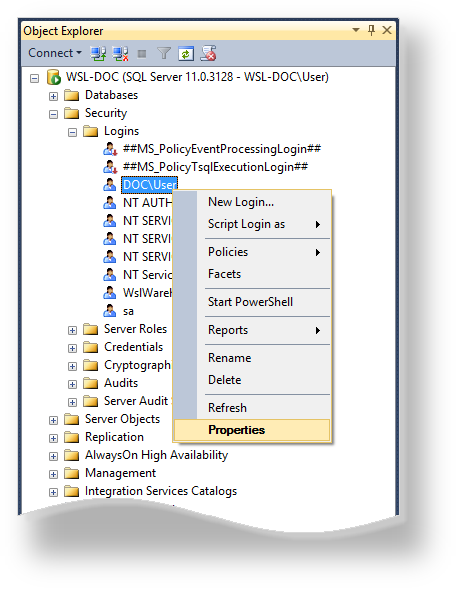
To connect to MS SQL Server, first determine whether you can log in using SQL Server Authentication. This can best be done using Microsoft SQL Server Management Studio, selecting SQL Server Authentication.

If the connection could not be established then confirm the following settings:


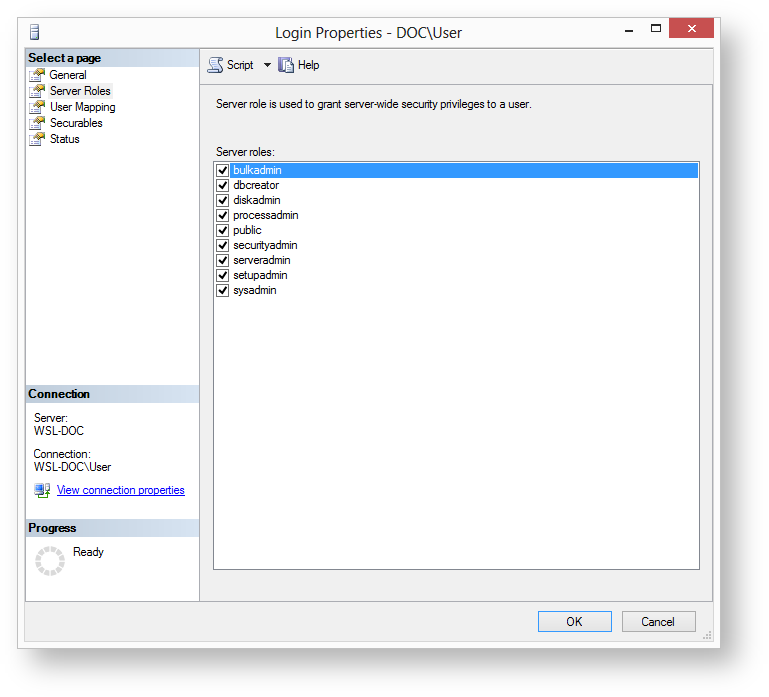
| The minimum required server roles are: public. |

The minimum required server roles are: db_datareader and public. |