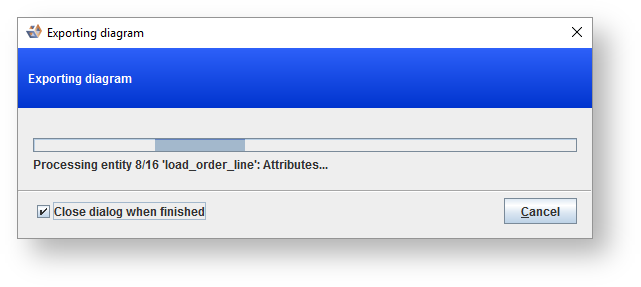
Export to RED in the Workflow pane.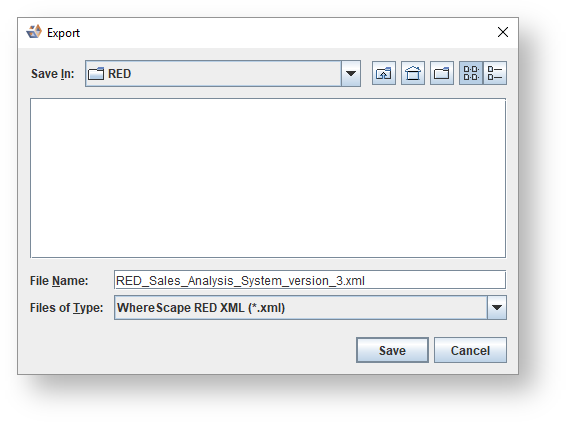
The WhereScape RED Export Preparation model conversion is run in the background before the export process actually begins. You can edit the rules for the WhereScape RED Export Preparation model conversion from the Model conversion manager dialog but you SHOULD NOT edit the name of the model conversion. |
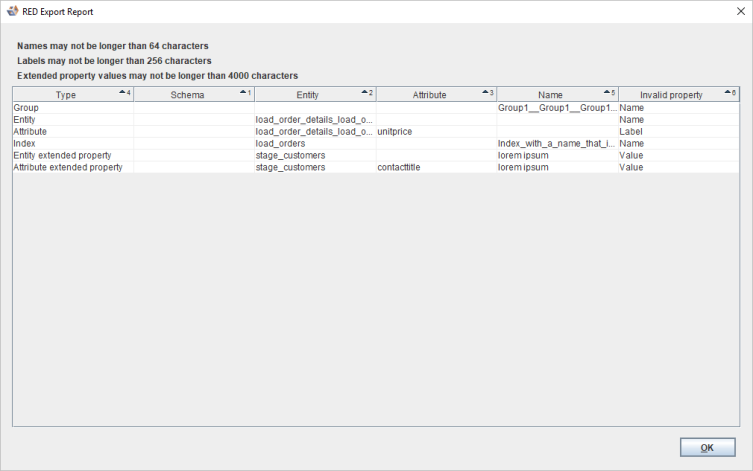
The RED Export Report is displayed if objects being exported have properties that are too long for RED.
|
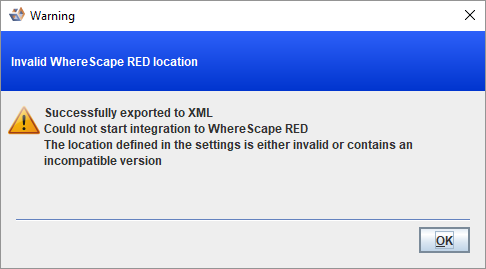
The following error message is displayed if the set location of RED is wrong or the version of RED running is not compatible with 3D. If you want the Setup Administrator for WhereScapeRED to automatically display once the export process is complete, update the directory location for RED on the Location Settings dialog.
|
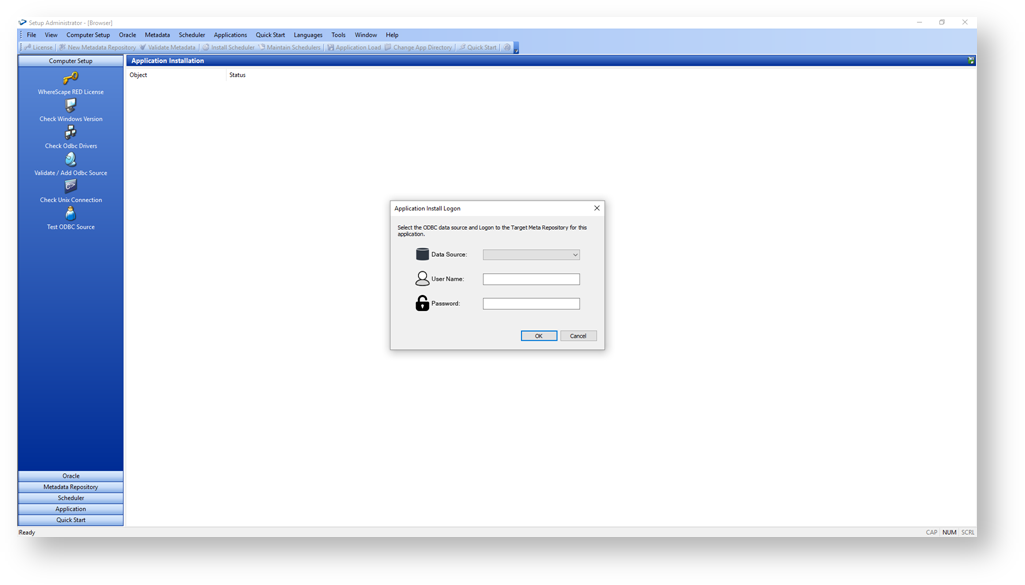
- When the model has been exported, the Setup Administrator for WhereScape RED is launched to import it into an existing WhereScape RED repository.
Before importing the XML file from 3D into RED:
- Required:
- A WhereScape RED metadata repository should exist in RED for the import to successfully complete.
- As only entity level extended properties are supported, the definitions MUST be created in WhereScape RED before the import process.
- If using a Custom Database, the current date function needs to be defined for the Load Data Transformation option in WhereScape RED.
- Recommended:
- Target Locations can be created during the export process, but the entity will not be physically created on the target database until the schema is manually created in the target database.
- Existing target locations from RED are shown ONLY if the target connection's database match.
- To have the right template set on the objects in WhereScape RED, configure the Template Defaults on the Data Warehouse connection in WhereScape RED.
- Optional:
- During the import process, groups created in 3D are converted to RED projects.
- Create source connections in WhereScape RED with the same name used in WhereScape 3D to automatically match during the import and have the source connection pre-configured with how the data will be loaded into the Data Warehouse.
For more information, refer to the WhereScape RED User Guide.|
- Required:
- Select the ODBC Connect for the repository from the drop-down list, enter the Username and Password, and click OK. The model is imported and Setup Administrator is closed upon completion.
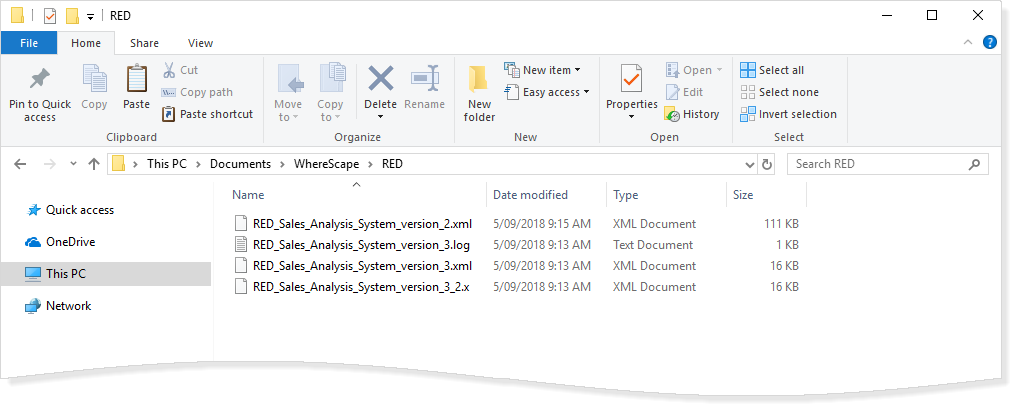
A log of the application load is created in the same directory as the exported XML file.