Foreign keys are defined in a diagram by dragging lines from one entity to another. They are removed by clicking on the foreign key line linking two entities, and then clicking delete.
They can also be listed and edited using the entity Properties.
- Right-click on the header part of the entity and select Properties.

- Select the Foreign key join tab:
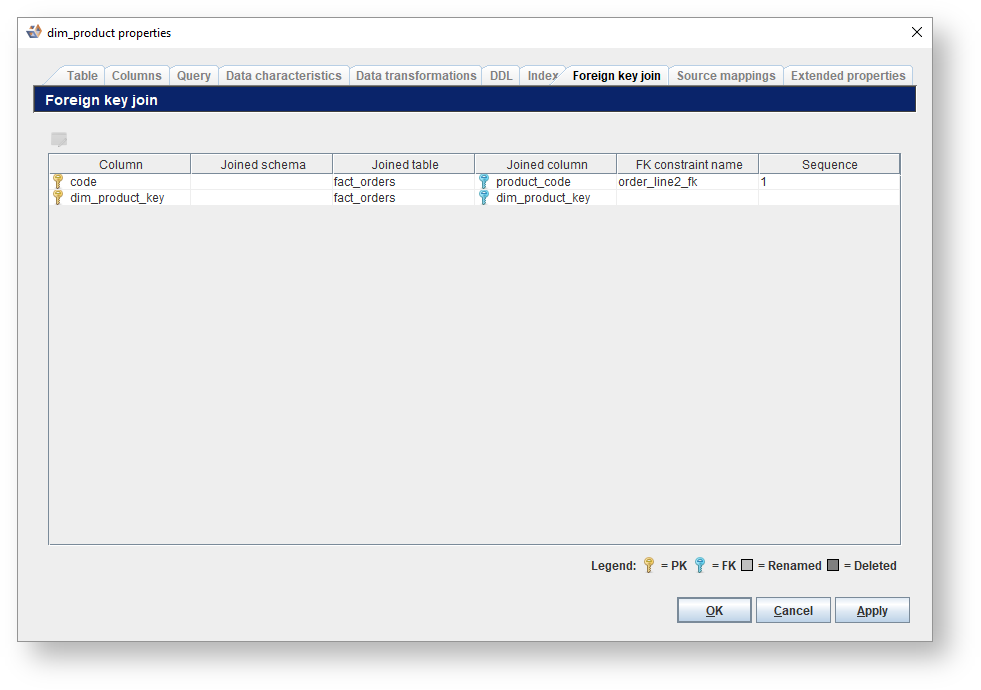
- To edit the foreign key constraint name or sequence double-click on the corresponding row in the table or select a row and then click
 .
.

- To change the Constraint name, enter a new name in the text field or select an existing name from the drop-down menu. Multiple foreign keys with a shared constraint name are considered to make up a composite key.
- The Sequence value can be modified using the up and down arrow buttons to the right of the field, or by typing a positive whole number into the field. This number is used to determine the ordering of the joins in a composite key.