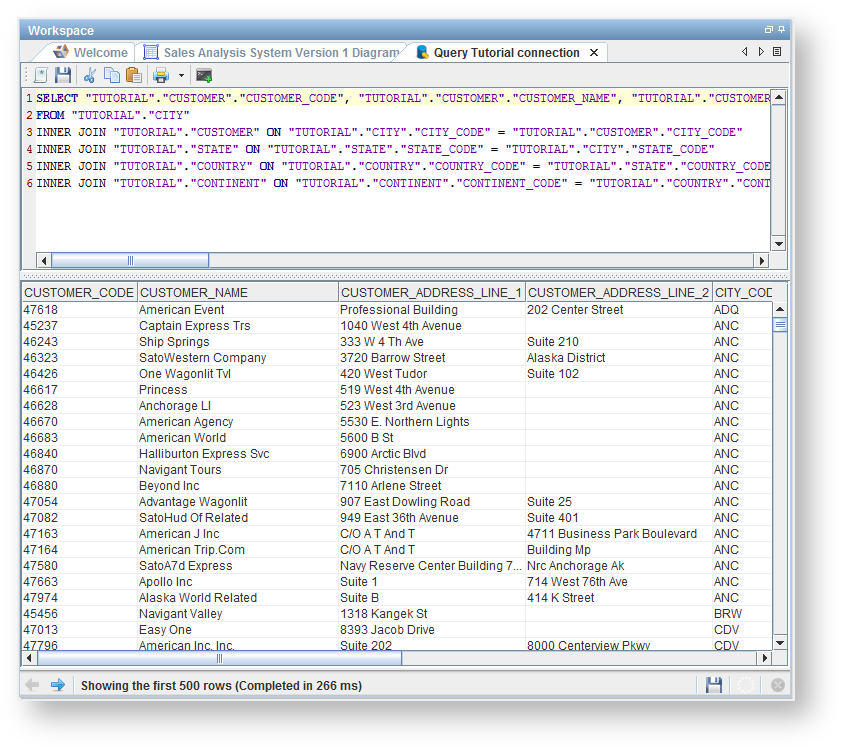
There are two options when displaying the data:
However, when a query has been set on the table that query is executed in both cases. |
If multiple source sets have been configured, you will be asked to select a source set. Select a Source set from the drop-down list and click OK to proceed.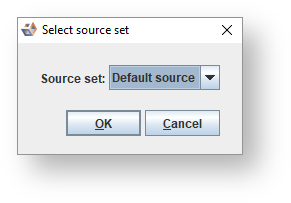
If the connection to a referenced database is currently closed you will be asked if you want to open it. Click Yes to proceed.