
To change multiple attributes in a group:
Right-click on a group and select Attributes>Change multiple attributes.
Use the wizard to select the attributes to be changed.
To change an attribute property:
You first need to select the relevant checkboxes on the left. Each checkbox, when selected, allows you to change the value for that field in the attribute properties.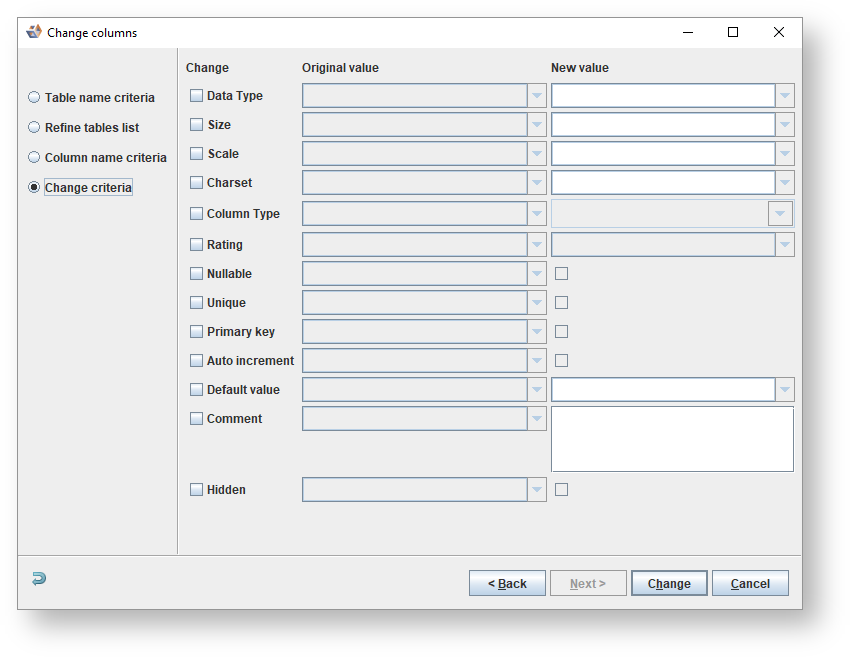
In the Original Value column, select the value/s to be changed.
(Selected) is the default for the Original Value column. |
In the New Value column, select the new value to be assigned, or key in the new value.