To delete a relationship between columns in a diagram:
- Right-click on the join and choose Delete foreign key join.

- Click Yes to confirm the delete.

- To delete a relationship between columns where multiple relations are shown as one link in the diagram, right-click on the link and choose Delete foreign key joins.
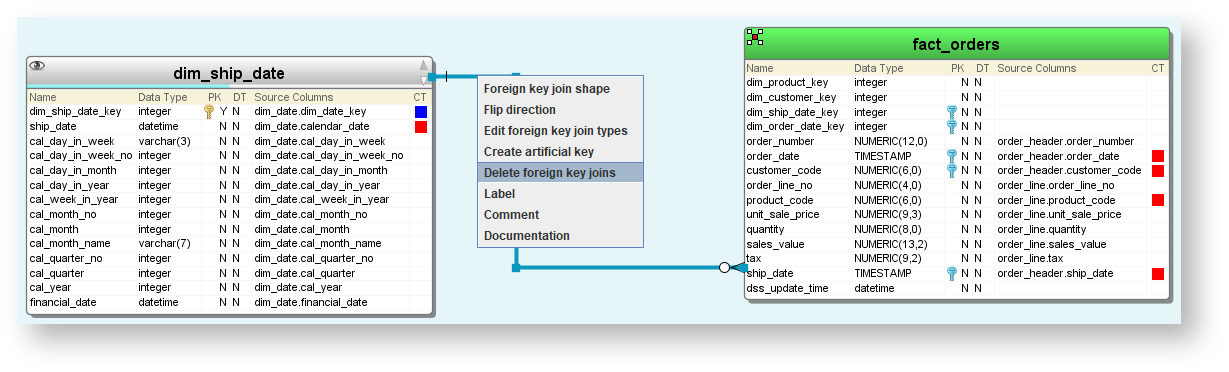
- A dialog will be displayed, allowing you to select the relations to be deleted. Click OK.
