To identify duplicate data...
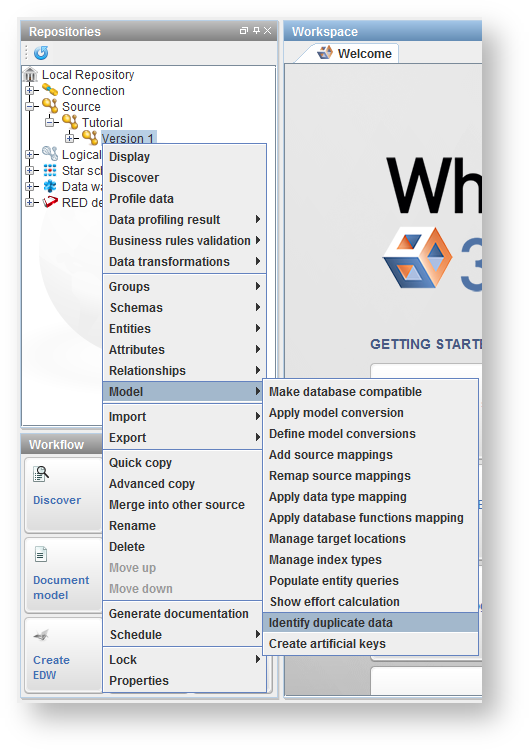
- Right-click on a model-version in the tree, or in the diagram for the model-version, and choose Model > Identify duplicate data.

- Specify the tables to be included or excluded using SQL wild cards and click Next.

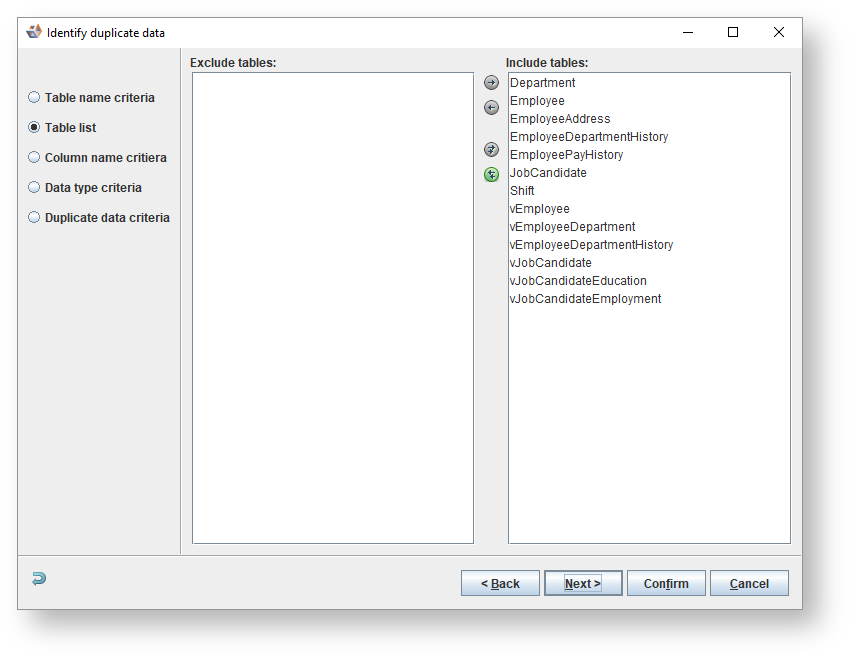
- The tables matching the criteria in the last step are displayed. Move any specific tables not to be included to the Exclude tables list and click Next.
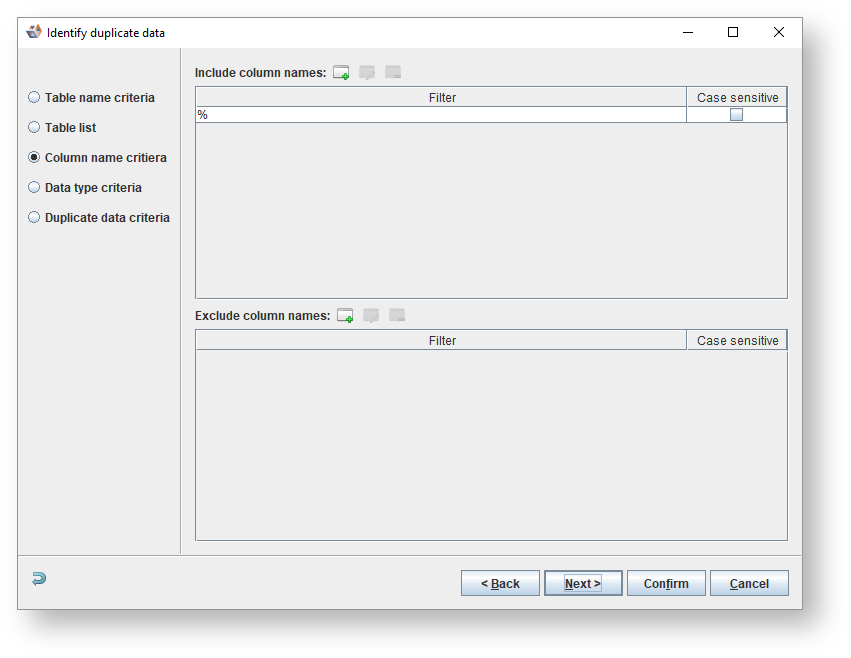
- Specify the columns to be included or excluded as joining columns using SQL wild cards and click Next.
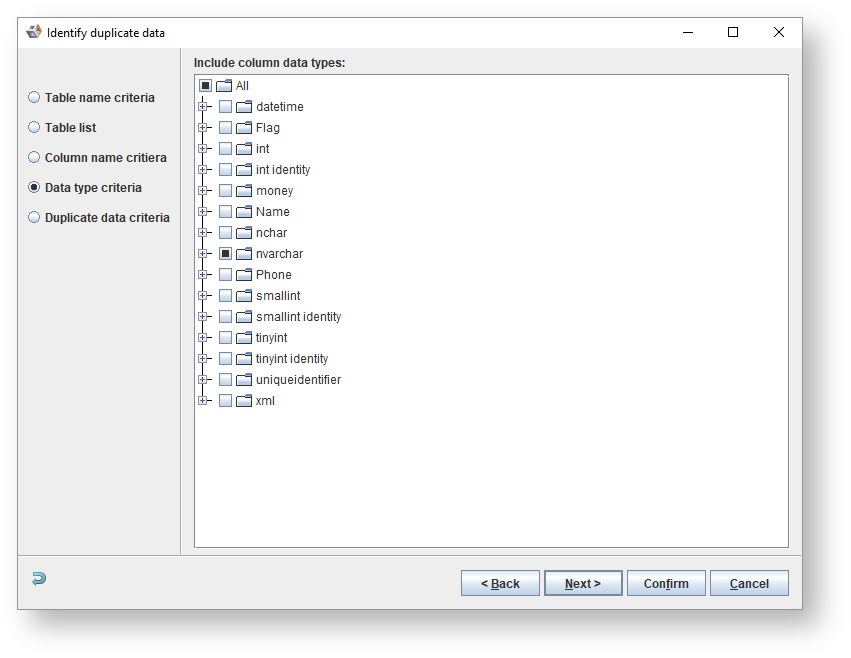
- Specify which data types columns it must have to be included and click Next.
- Enter the criteria for identifying duplicate data.

- Matching criteria sets which attributes should be checked for duplicate data
- The Sample size section is used to select what data should be used
- Select Distinct value sample size to sample a set number of distinct values for each attribute from the source database
- Select Use top 10 most frequent values to use the values from the Top 10 most frequent values profiling metric
- Equality criteria sets how attributes should be checked for duplicate data
- Click Confirm.
- The duplicate data relationships found is displayed.

- Check or un-check the boxes in the Create column of the table to choose which relationships should be created.
- Check Assign foreign key join type to assign a relationship type to the created relationships so they can be easily distinguished in the diagram.
- Check Profile created duplicate data relations to run profiling on the newly created relationships.
- Click Finish to create the relationships. Any diagrams open for the model-version is refreshed to show the new relationships.