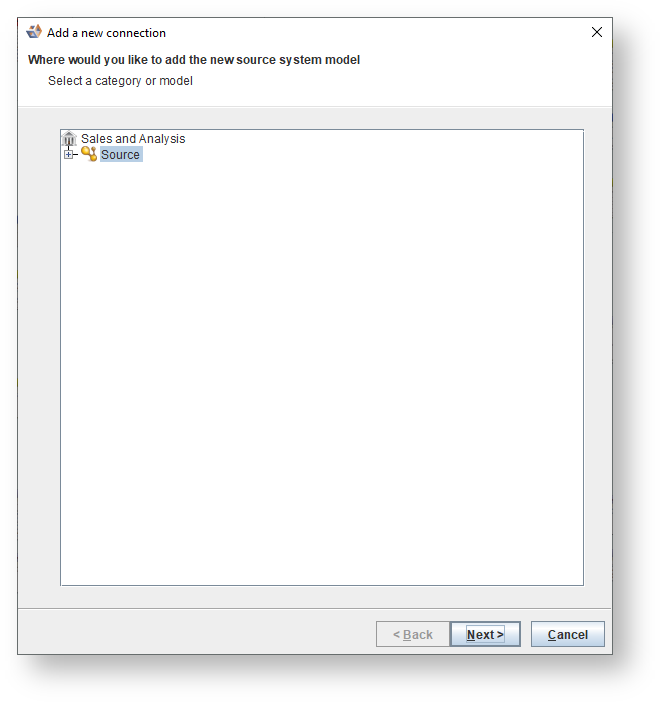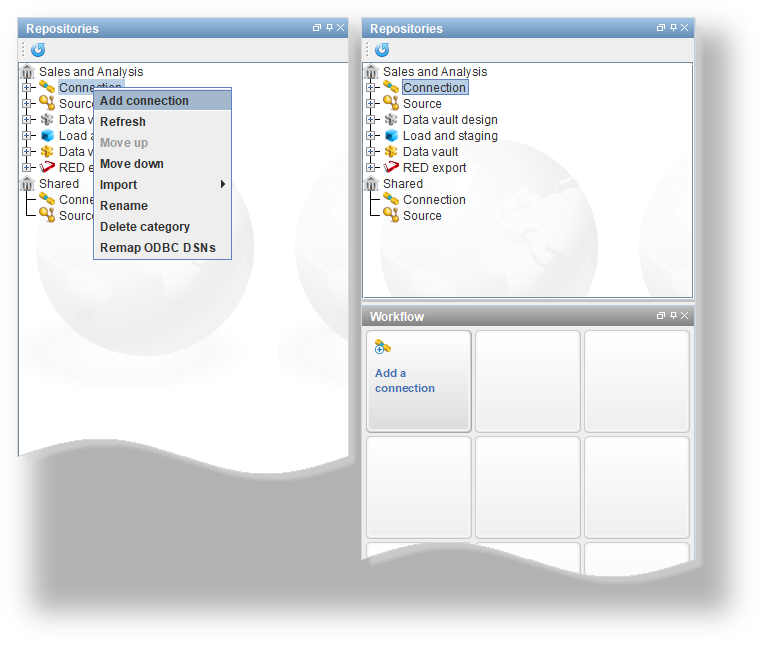
- Select between JDBC, ODBC, Host, Tutorial or Repository connection types.
- For JDBC and ODBC connections, select a Database type from the drop-down list - see the other pages in this section for examples of connections to specific database types.
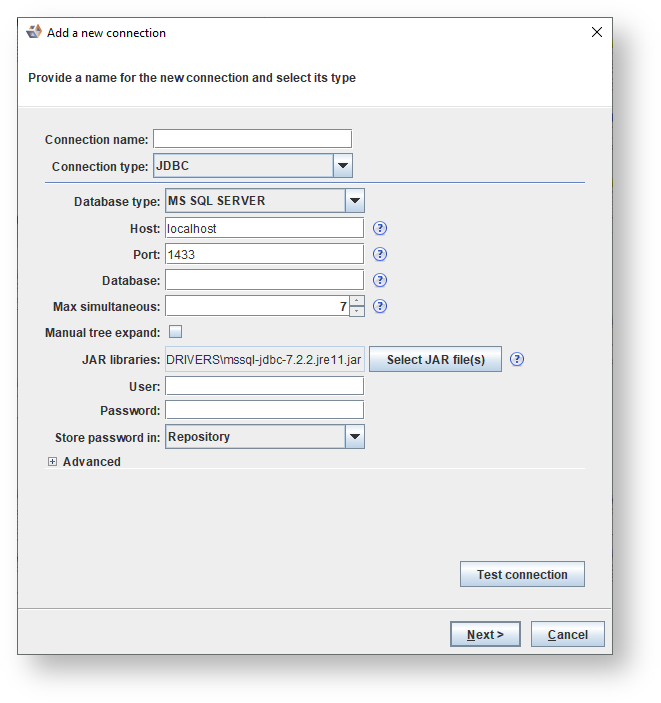
- Enter a Connection name and select the relevant connection type and database type from the drop-down menus on the connection dialog.
- Use the Connection type drop-down box to change the type of connection that will be created. Note that when editing the properties of a JDBC, ODBC, Tutorial or Repository connection the Host connection will be unavailable.
- Conversely, when editing the properties of a Host connection the drop-down box will also be disabled.
- To complete the required fields for a specific connection type see all examples in the 'Connection Examples' section below.
By default 3D will store your encrypted credentials in the repository. However if other people using this repository need to use the connection with different credentials you can change the Store password in field to Locally (per user) to store them in a file in your 3D metadata directory. If you don't want your credentials stored at all select Do not store and 3D will prompt you to enter your username and password when connecting.
- When finished, click Test connection to ensure the connection has been correctly configured.
A successful connection test displays the following dialog:
- Click OK.
An unsuccessful test results in an error dialog containing the details of the connection error. Correct any issues and retest.