If you have made changes to the Tutorial database, it is possible to restore it to its original state.
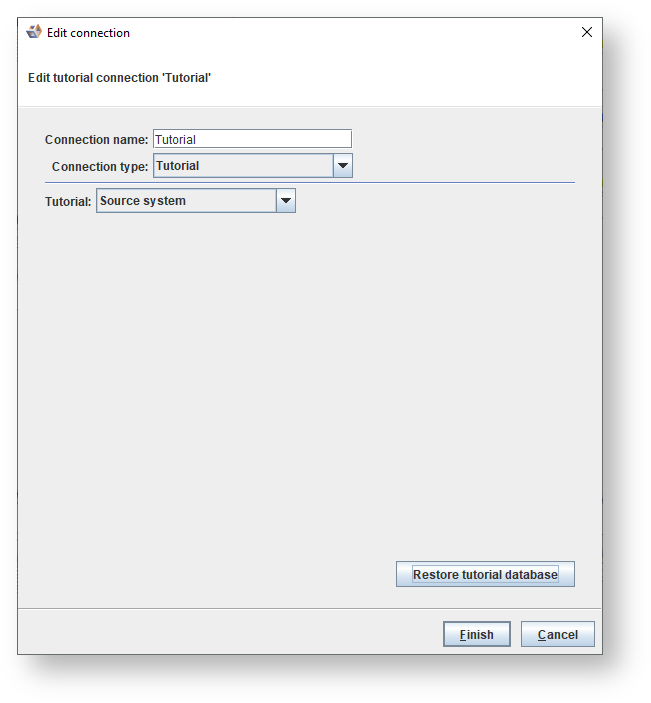
- Right-click on the Tutorial Connection and select Properties.

- Click on the Restore tutorial database button.
- Click Yes to confirm the restore.

- Click Finish to close the Properties screen.