
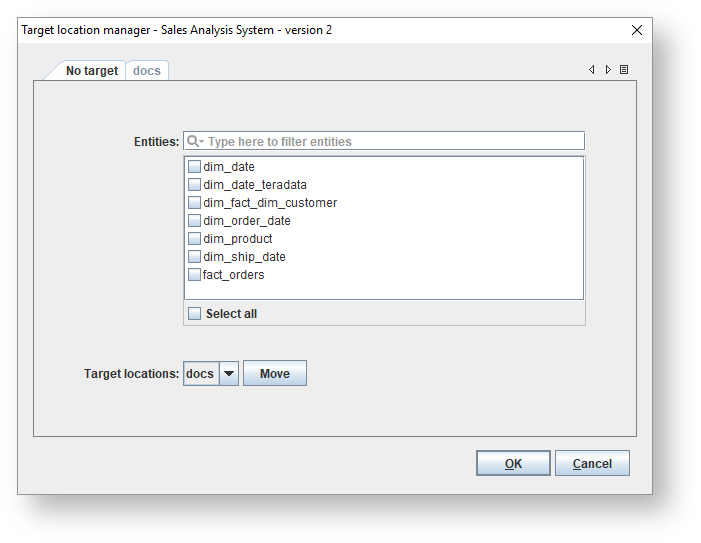
To add a new target location, select Tools>Target location descriptors. Click |
 ,
,  or
or  to navigate through
 - Entities - Select a filter to first filter on certain entities and then to select the checkboxes to select relevant entities.
- Target locations - Select a target location from the drop-down list and click Move to move the selected entities to the selected location.