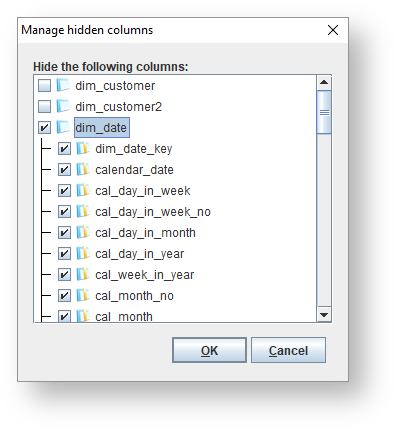
Right-click on the version in the tree, or in the diagram for the version, and choose Attributes > Manage hidden attributes.
To view the attributes within an entity, double-click on the entity.
Select the attributes to be hidden and click OK.
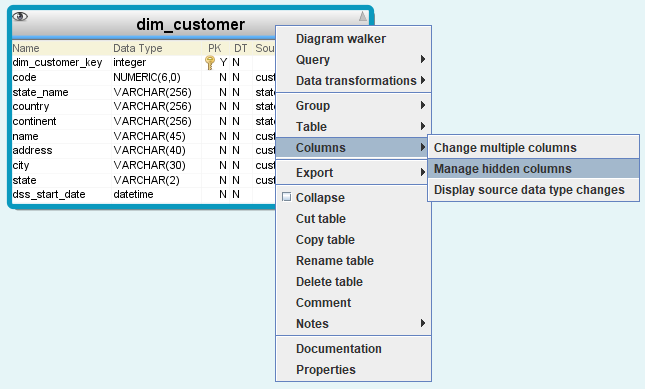
You can manage hidden columns within a specific table by right-clicking on the header part of the table in the diagram and choosing Columns>Manage hidden columns.