Complete the following:
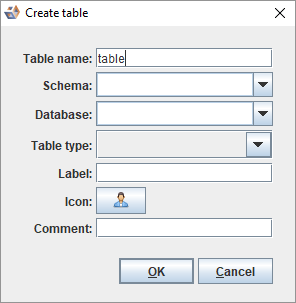
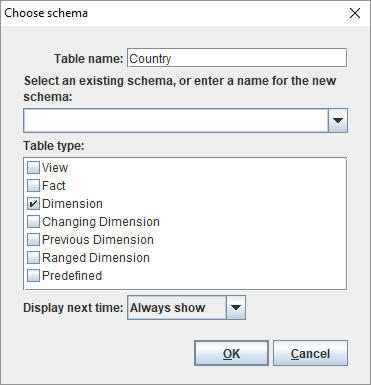
- Modify the Table name.
- Select a Schema from the drop-down list.
- Select a Table type.
- Select a Display next time from the drop-down list.
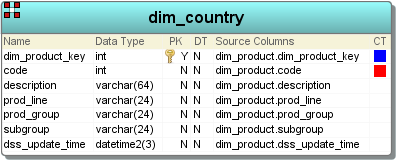
The table is displayed in the diagram.
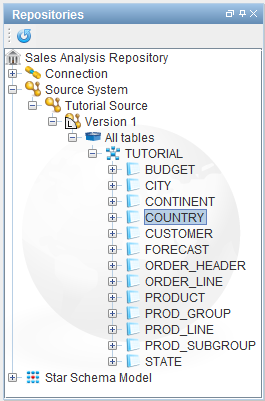
To add a table using drag and drop functionality:
In addition to dragging a table from a source system, it is also possible to drag and create table directly from a connection. When you do so, the following screen is displayed:
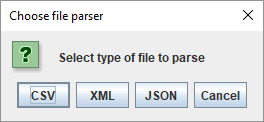
You can also drag in a file from a Host connection which will result in one or more tables being created. After dragging a file, the following dialog will be to allow you to select the parser to use.
|
For more information on the different file parsers, refer to Customizing Discovery on a File Connection for details. |