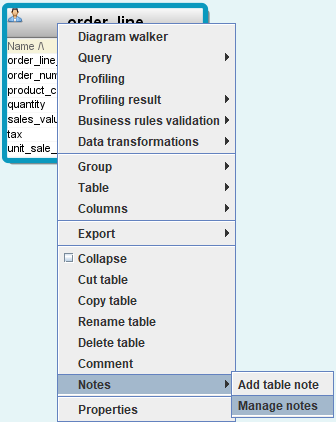
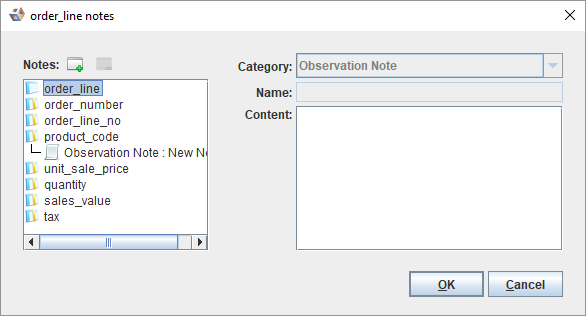
- To add a note at the table or column level, select the table or a column and click
 .
. - To edit a note at the table or column level, select a note for a table or a column and make the necessary modifications.
You can double click on a note in a diagram to edit it OR right click on a note and select Edit note.
- To delete a note, select a note and click
 .
.You can right click on a note and select Delete note.