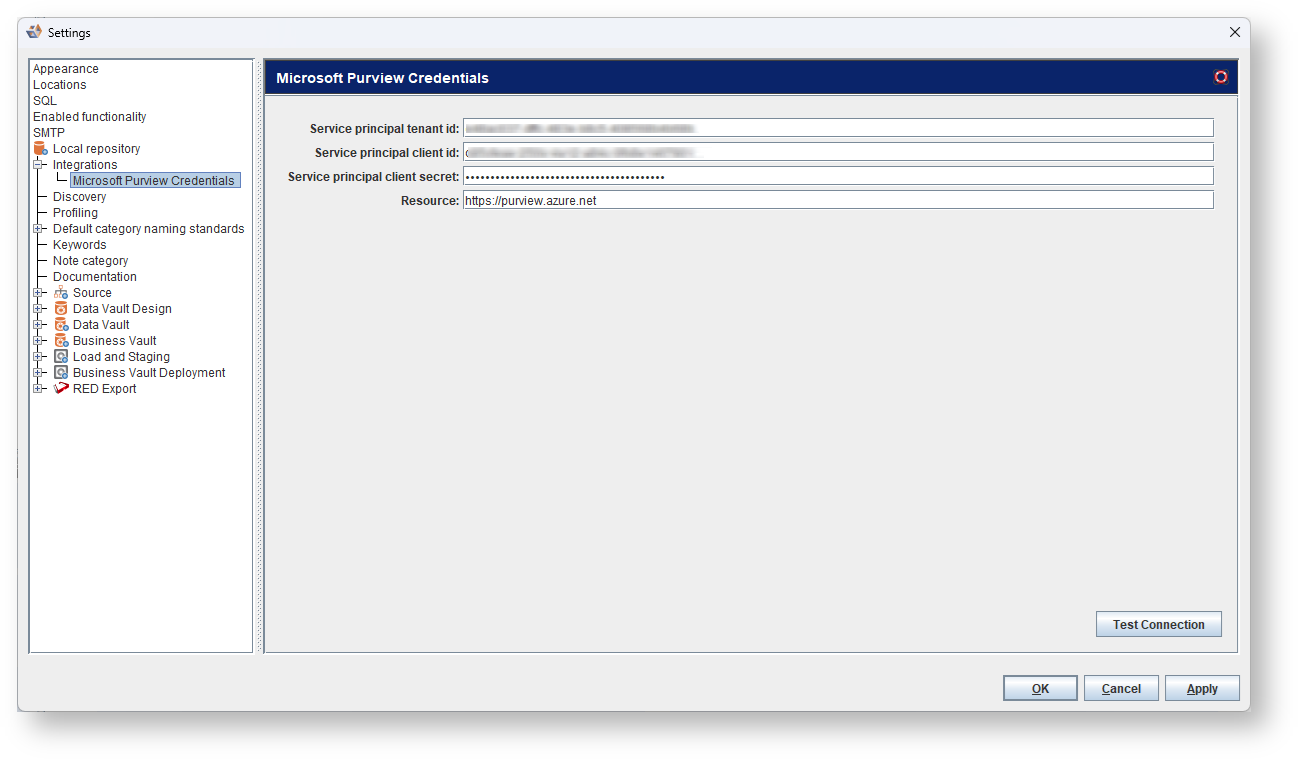
This screen enables you to edit the settings for retrieving information from Microsoft Purview. This information can be gathered from the Azure portal in the app registrations section. An app registration can be created by following the steps outlined in the Microsoft Purview documentation.
| Field | Description |
|---|---|
| Service principal tenant id | Enter the Service Principal Tenant ID for the Azure AD tenant where your service principal is registered. |
| Service principal client id | Enter the Service Principal Client ID assigned to your application. |
| Service principal secret | Enter the Service Principal Client Secret associated with your service principal. |
| Resource | Enter the name of the resource you want to access. |
Use the Test connection button to test if the connection settings you entered are valid.