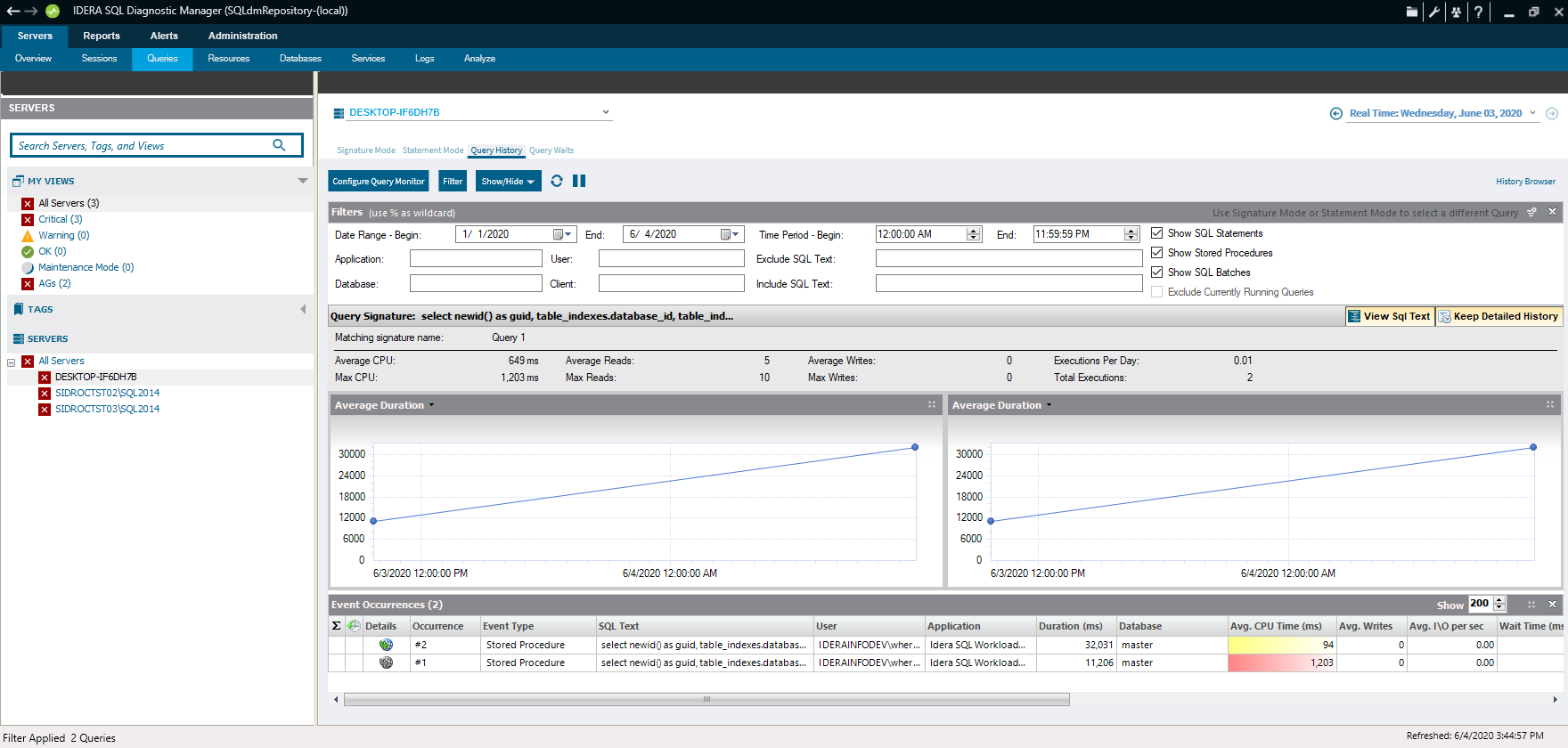
AI Optimization History lets you view your completed AI-optimized sessions, including the query and response. You can run the AI optimization process by using the AI Powered Query Optimization and AI Powered Schema & Index Optimization buttons available from the Signature Mode and Statement Mode views.
>>>REPLACE IMAGE WITH NEW VERSION CONTAINING AI OPTIMIZATION HISTORY TAB AND NEW BUTTONS<<<
You can open the AI Optimization History view of the SQL Diagnostic Manager Queries tab by clicking the view name.
|