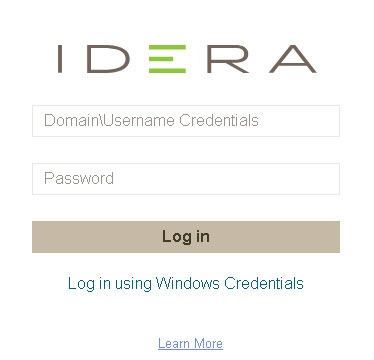
Once you have installed and configured your IDERA Dashboard and SQL Diagnostic Manager deployments, you can log in to the web console by doing the following:
Type the IDERA Dashboard product URL: http://<machinename>:<port> where <machinename> is the name of your host or machine, and <port> is the port specified during installation. The default URL is https://<localhost>:9291 or https://<machinename>:9291.
| Port 9290 is used for http protocol, while port 9291 is used for https protocol. |
When the IDERA Dashboard web console launches on your browser, use your Windows user account <domain\user> with the respective password to log into the product.
The IDERA Dashboard Web Application service comes with SSL already set up. For more information on running the IDERA Dashboard over SSL, see |
|