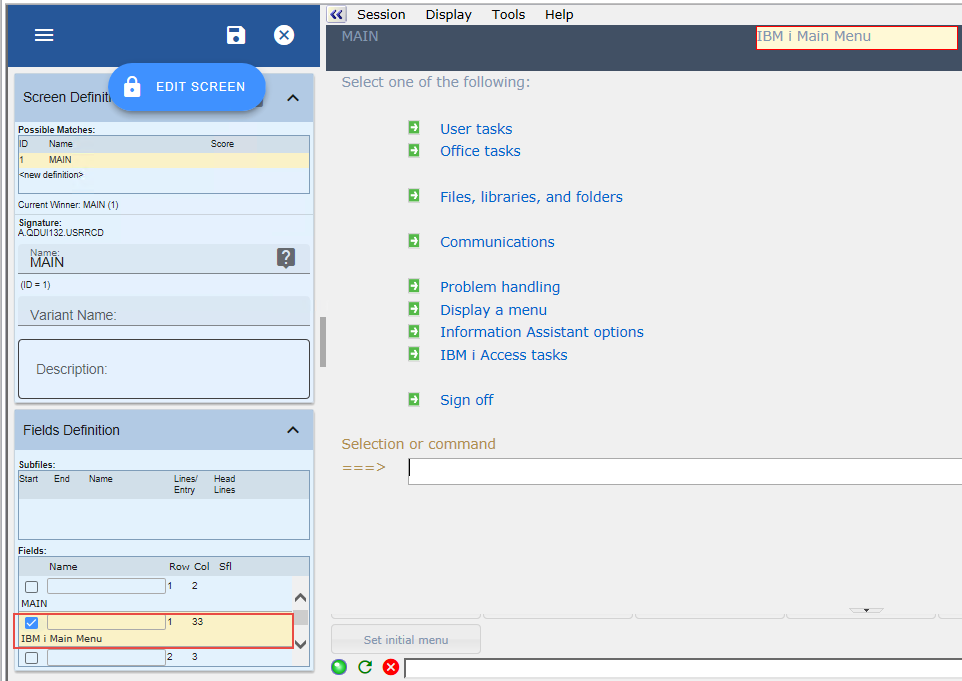
In this step you will identify the IBM i Main Menu, the Work with Active Jobs, and the Work with System Status screens. Because they have the same signature, you need to use a secondary identifier – the screen title - to differentiate them.
Be careful when performing the following steps because if you make a mistake in identifying the screens, later tutorials will not work.
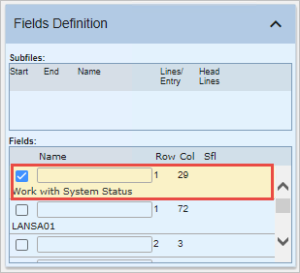
Check the box next to the title field as shown in this picture:
Click Save to save the change.
In the command line type wrkactjob and press Enter.

Note that Work with Active Jobs is no longer recognized. In the previous step, this screen was recognized as MAIN because it has an identical signature to it, but since then we have added an additional identifier to MAIN to uniquely identify it.
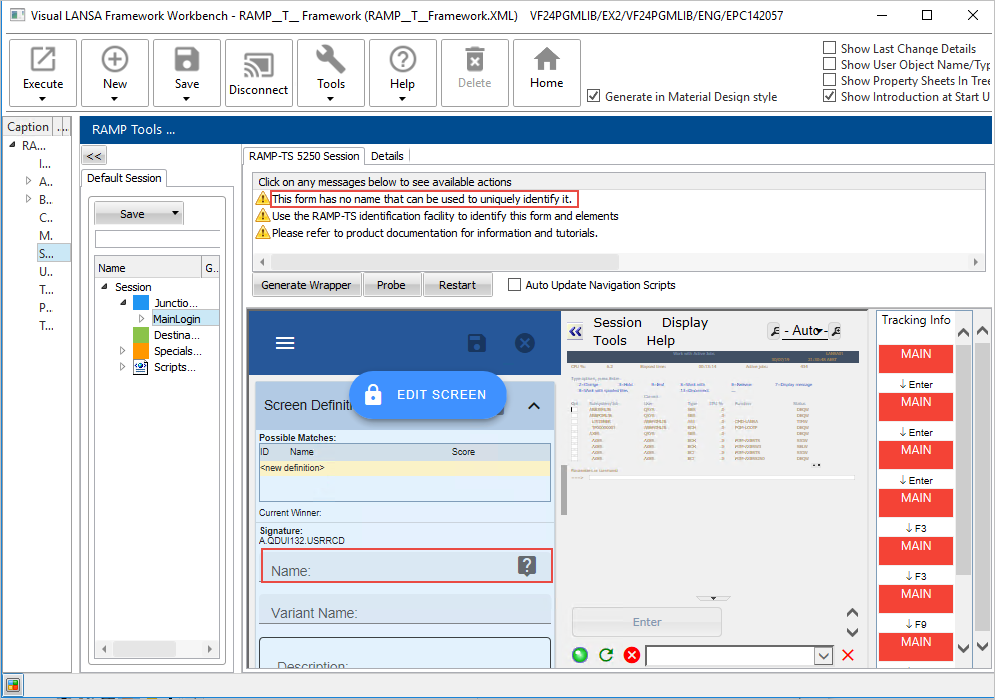
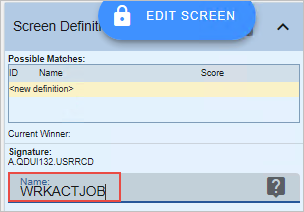
Set the Name of this screen to WRKACTJOB:
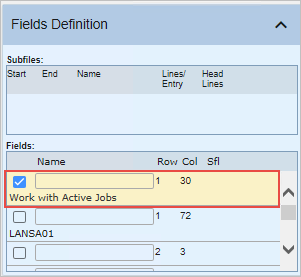
Locate the title field and tick the checkbox:
Save the screen.
The screen is now recognized:
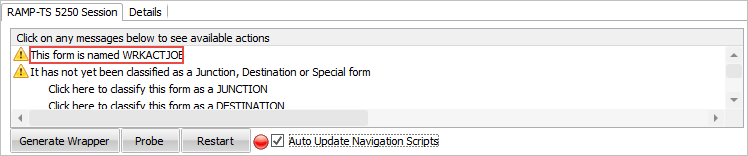
Next identify Work with System Status.
In the Active Jobs command line type wrksyssts.
Name this screen WRKSYSSTS and choose the title as the additional identifier.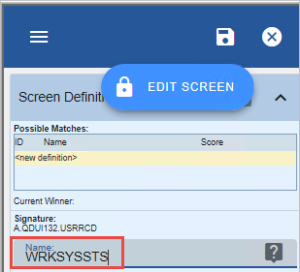
Save the screen.