As the installation proceeds, the LANSA Composer Server Setup wizard shows the progress in the Installing LANSA Composer Server window.
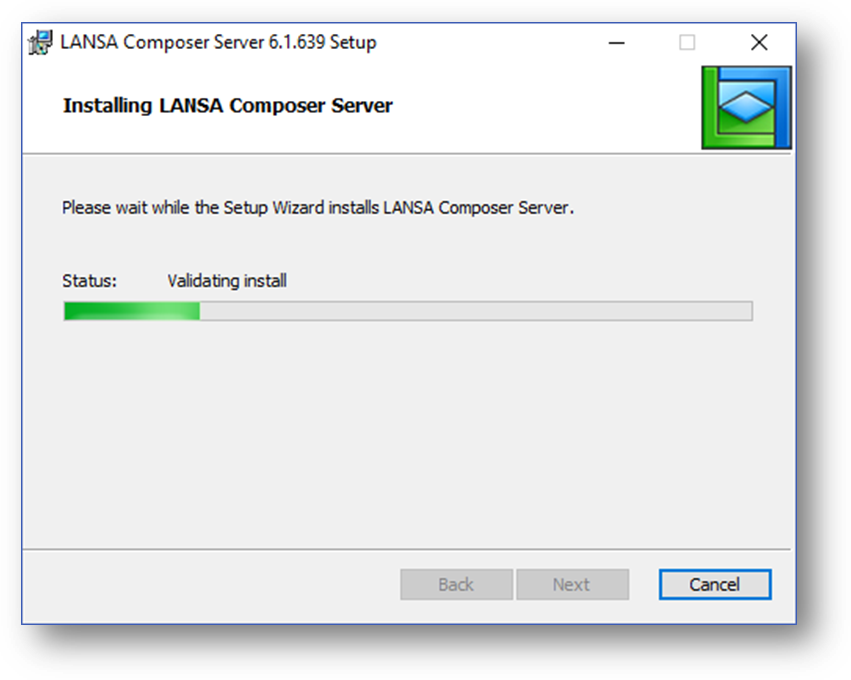
Some of the steps may take some time to complete with little visible change in status. In particular, the status Processing database tables may be shown for a significant amount of time. Please allow the LANSA Composer Server Setup wizard adequate time to complete normally.
If/when you are asked for permission to restart IIS (Microsoft Internet Information Server), you should select Yes to avoid having to reboot once the installation is complete.
You may notice some other command windows briefly open and close during the installation. In addition the LANSA Composer Version 7.0 Read Me will open in your web browser. This is normal and you should simply wait for the LANSA Composer Server Setup wizard to finally report that the installation is complete. When it does so, continue with: