The Built-ins tab provides access to built-in variables defined by LANSA Composer that you can reference in your Processing Sequence. Refer to Built-in Variables for more information.
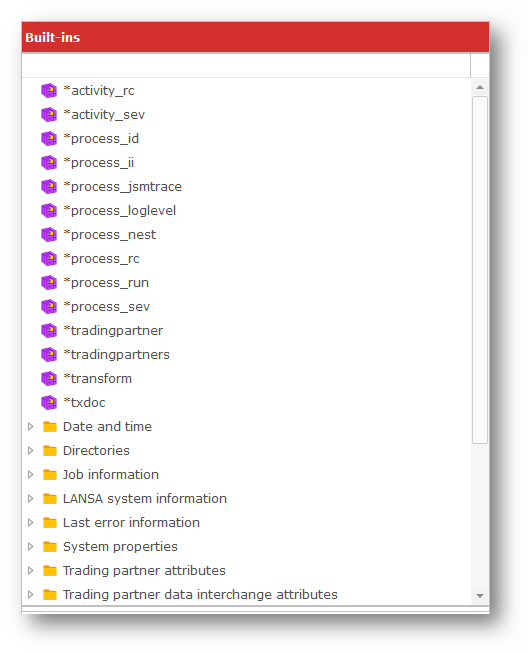
The available built-in variables are shown in a tree, with some of the available variables functionally grouped together. Click the '+' sign next to a group name to see the available built-in variables in that group.
For more information about a built-in variable, pause the mouse pointer over the variable until a pop-up "hint" is momentarily displayed. Alternatively, click the variable name to its description in the status bar.
You can drag built-in variables from the Built-ins tab to places where you can enter a variable name including:
- Activity and Transformation Map parameters
- Conditional and assignment expressions
You can also drag built-in variables directly over the Processing Sequence editor window. When you release the mouse, an instance of the LOGVARIABLE activity will be inserted that will log the built-in variable's value when executed.
You cannot drag built-in variables to the Processing Sequence Parameters Editor. In addition, most built-in variables are not valid in cases where "write" access to the variable is required – for example as an output parameter for an Activity or on the left-hand side of an assignment expression.