Objectives
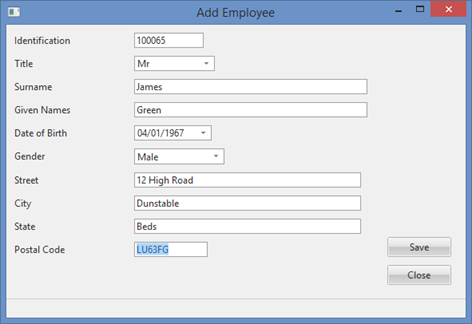
- To create an Add Employee form.
- To introduce the INSERT, GROUP_BY and MESSAGE commands
- To introduce the loop commands
- BEGIN_LOOP/END_LOOP
- DOWHILE/ENDWHILE
- DOUNTIL/ENDUNTIL
- To understand how field and table level validation is handled in a form
- To use the Status Bar component to display messages
- To use RDMLX style string handling.
- To implement "busy cursor"
- To review other "delay" feedback techniques
To achieve these objectives, you must complete the following:
Step 1. Create form iiiAddEmployee – Add Employee
Step 2. Add Fields to the Form
Step 3. Add Push Buttons and Click Event Logic
Before You Begin
You must have completed:
FRM015A and FRM015B - Getting Started with Forms Programming.