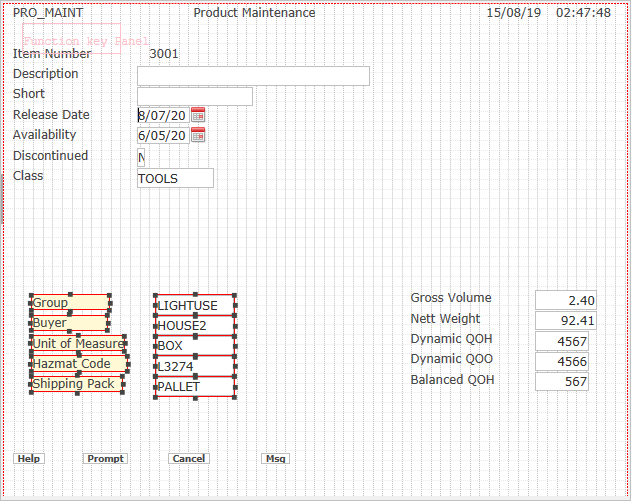
There are two ways to move fields:
- Use the mouse to drag them
- Use the arrow keys
It is also possible to select a block of fields and move them at the same time.
Select these fields and drag them to the right of the screen:
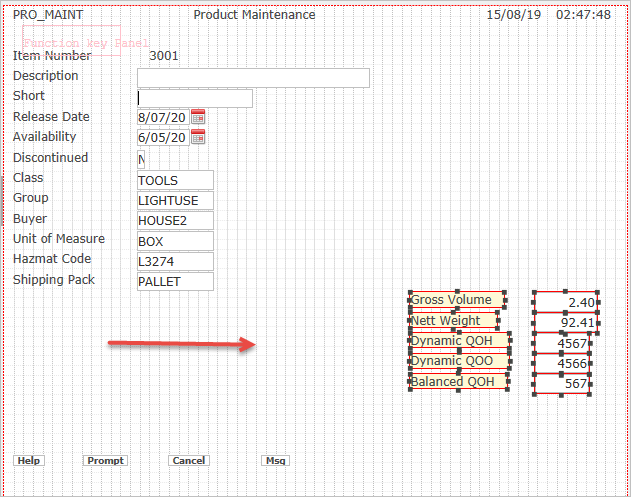
Select the Group, Buyer, Unit of Measure, Hazmat Code and Shipping Pack fields and move them down at the same level as the ones we have just moved.
The screen will look like this: