In this step you will snap in the Browse/Maintain Employee Details and Skills File screen to the Framework and test it.
1. In RAMP Tools, select the NewEmployee destination screen in the Screen and Script List.
2. In the NewEmployee details snap the screen into the New command handler of the Employees business object.
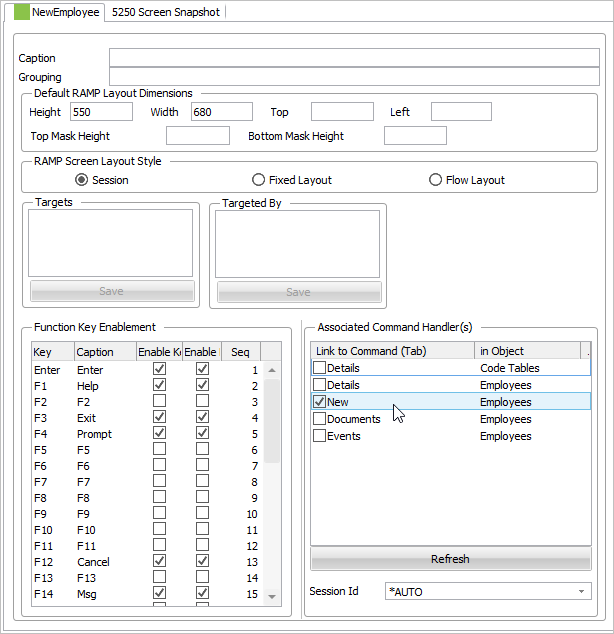
3. Do a partial save.
4. Execute the Framework as a VLF-WIN application, and select the Employees business object in the navigation pane, use the filter to fill the instance list and then right-click the Employees business object or an individual employee in the instance list to display the context menu.
5. Select New.
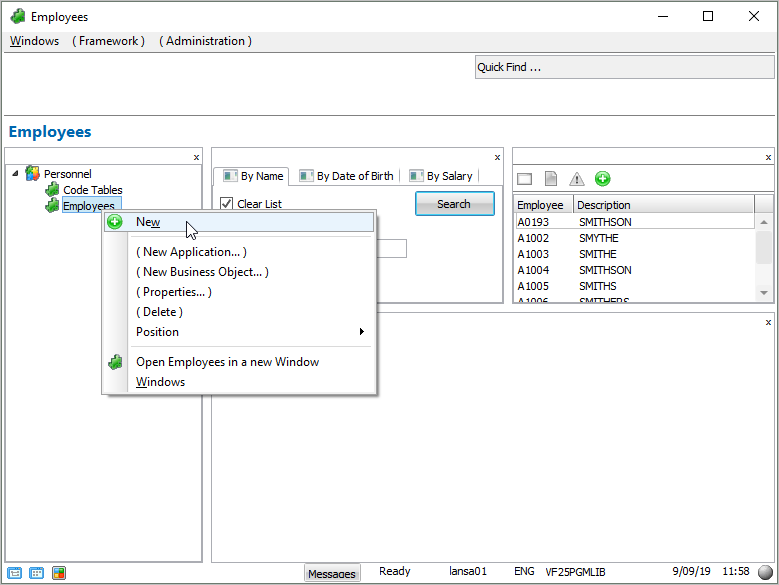
The Enrol New Employee screen is displayed in the Framework.
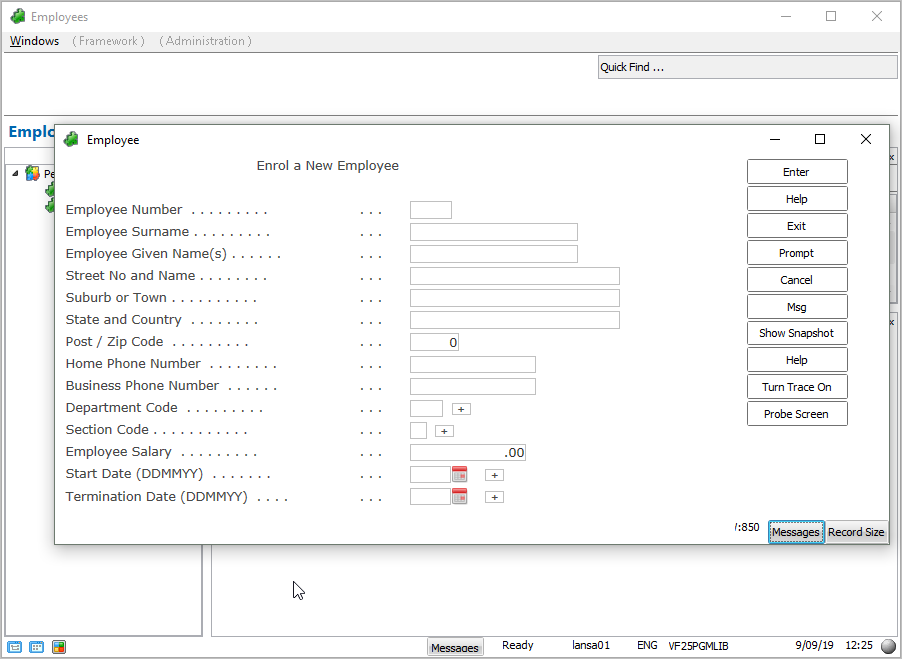
6. Enter the details for a new employee and press Enter to save, then close the window.
7. Search for the newly added employee using the By Name filter.
In the next step you will change the New Employee screen to update the instance list automatically.