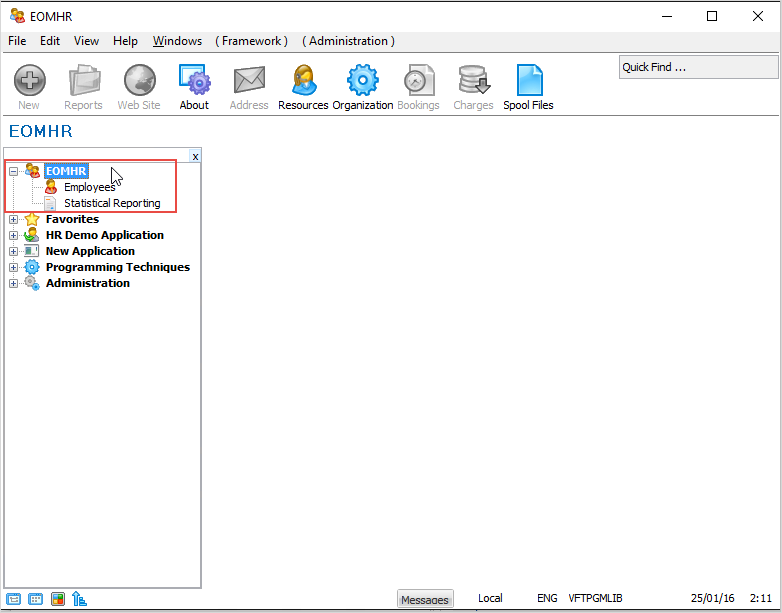
In this tutorial you will create two business objects: Employees and Statistical Reporting.
Objective
- Learn how to use the Instant Prototyping Assistant.
- Learn how to define business objects in your application.
- To add the Employees and Statistical Reporting business objects to your application.
To achieve this objective, you will complete the following steps:
- Step 1. Decide on the Business Objects
- Step 2. Create the Business Objects
- Step 3. Specify Business Object Commands
- Step 4. Add the Business Objects to the Application
- Step 5. Specify Business Object Icons
- Step 6. View the Business Objects
- Summary
Before You Begin
You may wish to review:
In order to complete this tutorial, you must have completed the following:
- Tutorial VLF001.