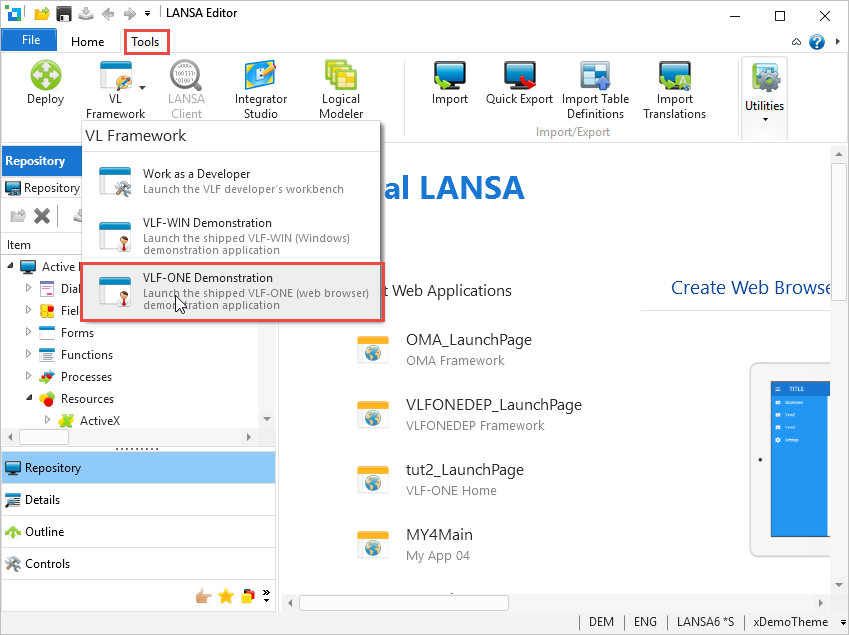
Use the Tools ribbon in the Visual LANSA editor to select VL Framework > VLF-ONE Demonstration:
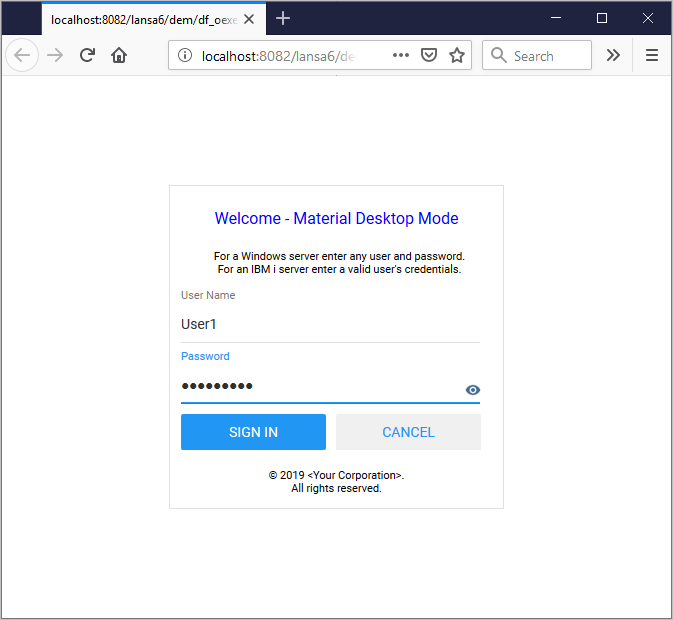
If you are using a Windows server, sign into the Framework using any user name and password.
If you are using an IBM i server, sign into the Framework using a valid IBM i profile and password.
The VLF-ONE Demonstration Application is started.