In this step, you will execute the form iiiDragandDrop form from the development environment.
1. On the Repository tab, right-click on iiiDragandDrop to display the context menu.
2. Select the Execute option. (You can also use Ctrl+Shift+E.)
The Execute... dialog is displayed:
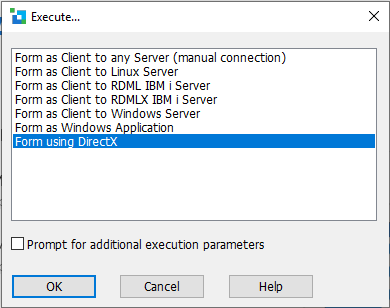
3. Select the Form using DirectX option.
Make sure the Prompt for additional execution parameters option is not selected.
4. Click the OK button.
5. The drag-and-drop form will open:
