In this step you learn how to edit and delete documents in the Documents Command handler.
1. Select a document from the list of documents. Notice that it is displayed on the area on the right where you first dropped it.
2. Double-click the document to open it.
3. Close the document.
4. Select the document and right-click to display the context menu.
5. Choose Delete. Notice that Documents command handler indicates that the delete is pending.
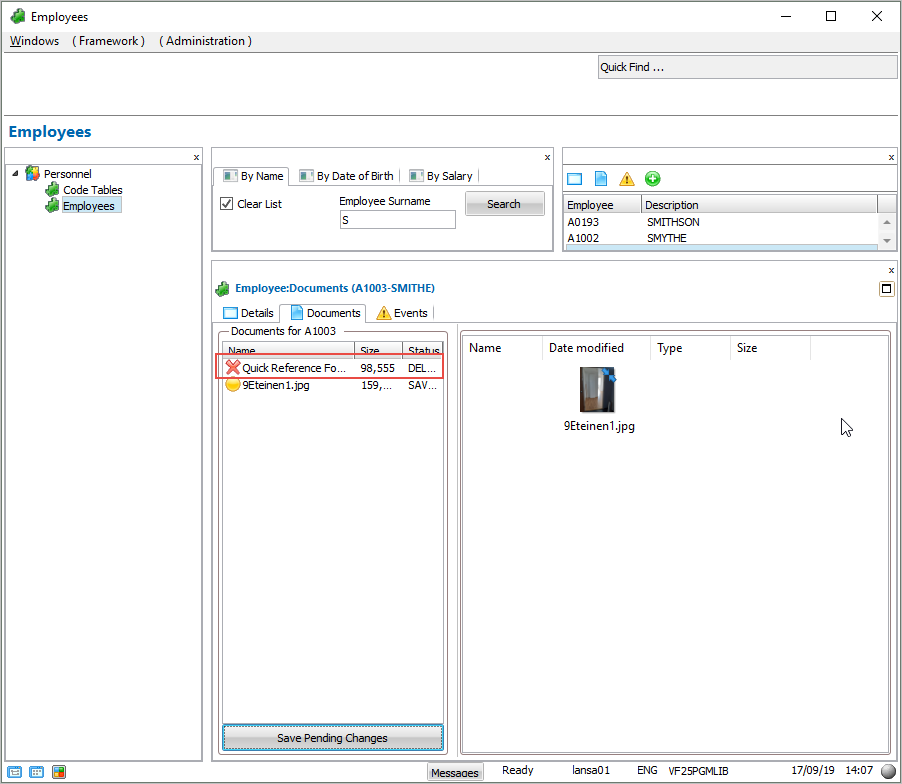
6. Click on the Save Pending Changes button to delete the document.