Menu | Description | ||||||||||
|---|---|---|---|---|---|---|---|---|---|---|---|
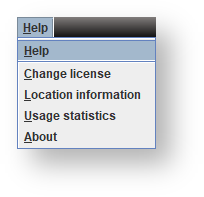
Help | Displays the WhereScape 3D user guide. | ||||||||||
Change License | Click to enter a new WhereScape 3D license key to upgrade an existing license or replace an expired license. | ||||||||||
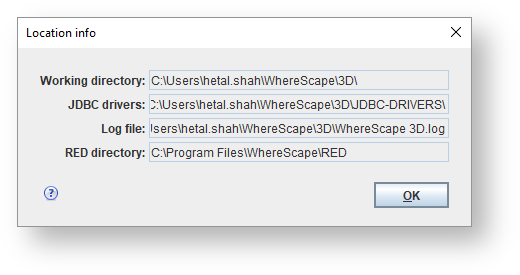
Location Information | Click to view location of the 3D working directory, JDBC drivers, log file and WhereScape RED installation according to the current settings. Refer to Locations Settings for details. | ||||||||||
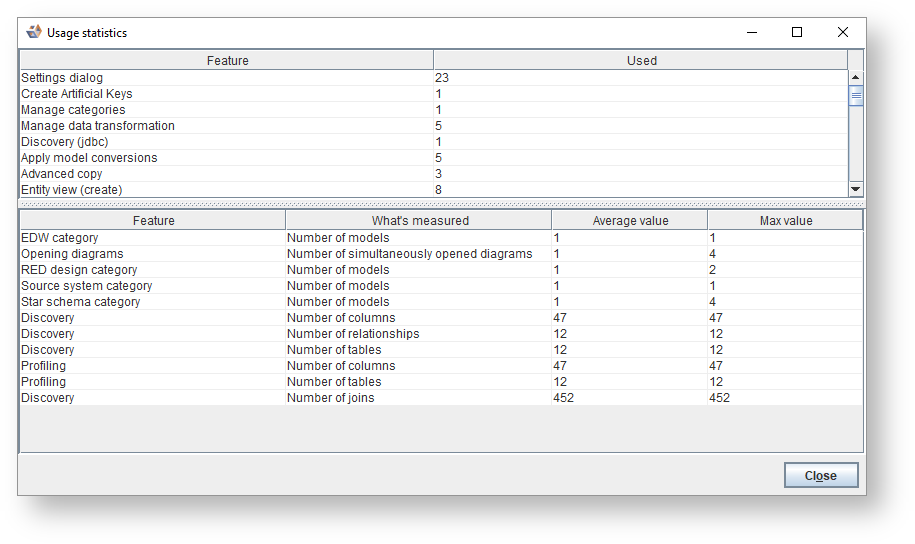
Usage Statistics | Click to view information on how regularly you have used different features of WhereScape 3D. | ||||||||||
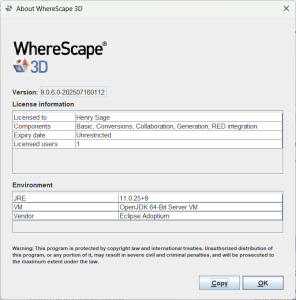
About | Click to view information about the version, license and environment of WhereScape 3D being used.
| ||||||||||