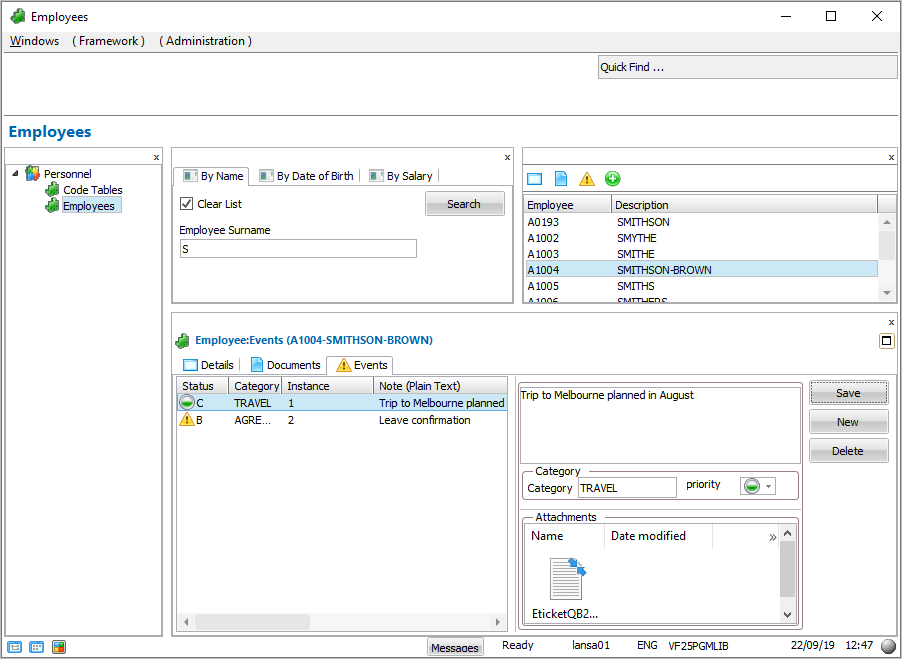
In this step you learn how to add notes for an employee. You can optionally also attach documents to the notes, categorize them and set their priority.
1. Add a few notes for an employee using the Save and New buttons.
2. Add an attachment to a note by cut-and-paste or drag-and-drop as in the previous tutorial.
3. Create categories for the notes and set their priority. For example: