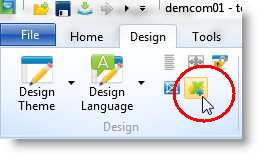
1. To expose a LANSA form or reusable part as an ActiveX control, open it in the editor and choose the Set ActiveX Attributes option in the ribbon:
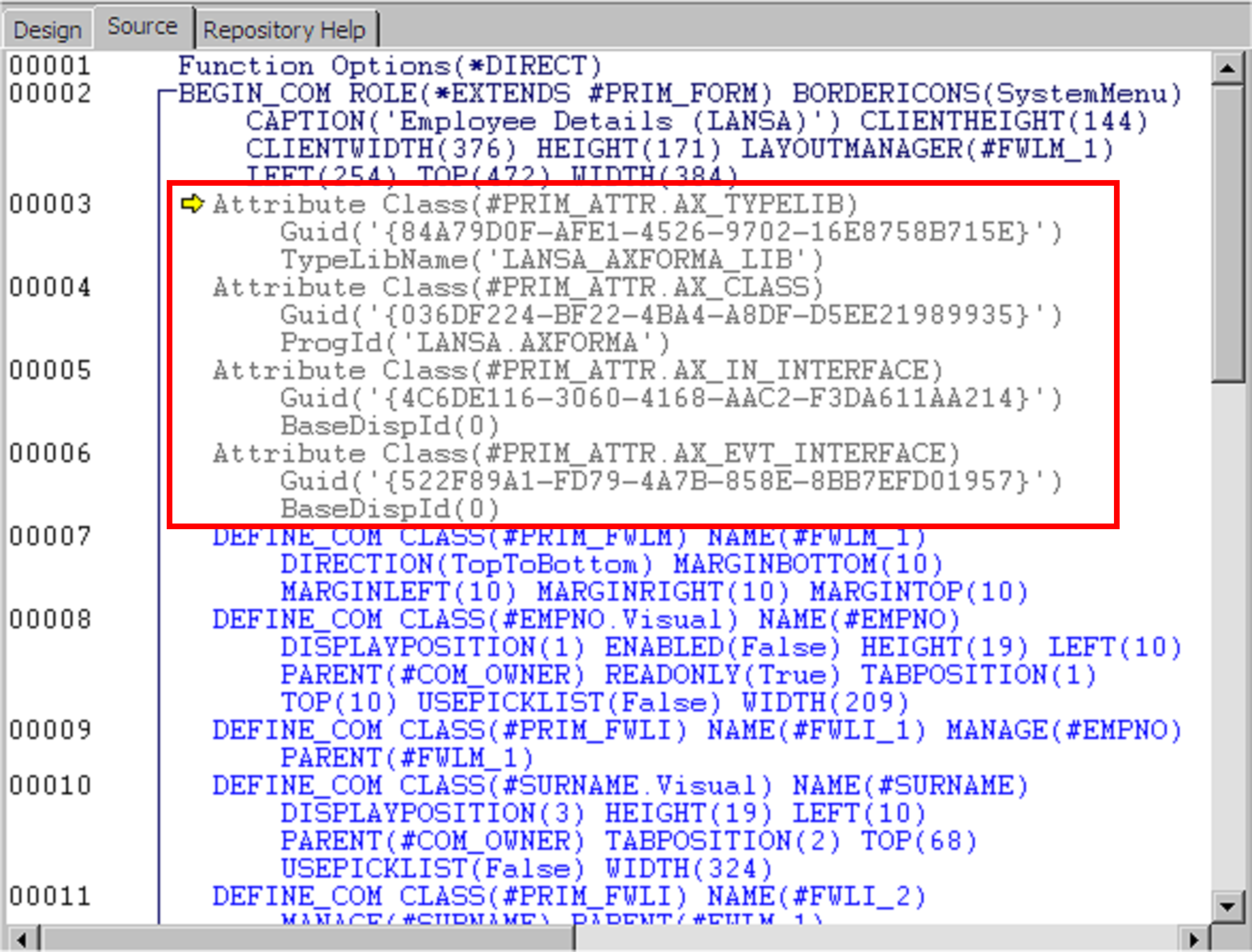
The required ActiveX attributes are added to the source of your component:
2. Compile the component to create the ActiveX control.