New Local Branch From
Create a new branch by copying the selected branch. Right-click a branch and select "New Local Branch From…".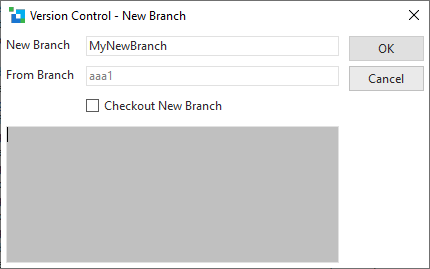
New Branch | Name of the new branch to create |
|---|---|
From Branch | Branch to copy from. The branch head of the new branch will be positioned to the head of this branch. |
Checkout New Branch | Check out the new branch once it has been created. |
When you click OK, the output from the Git command is shown in the text box.