In this step you generate a launch page for your Framework.
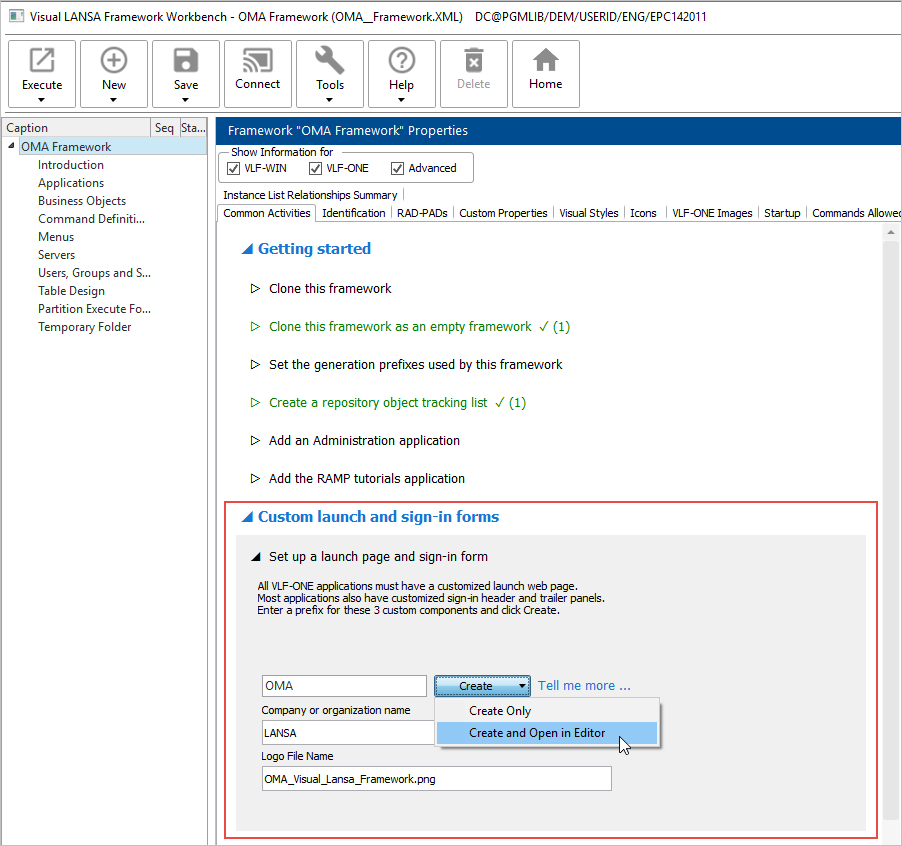
1. Use the Framework Common Activity option Custom launch and sign-in forms.
2. Specify a prefix that matches the repository list you have created.
3. Select the option to create and open the page:
4. When the page has been created, switch to the Visual LANSA editor to see it.
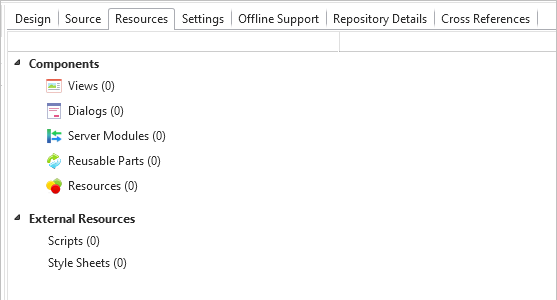
5. Switch to the Resources tab:
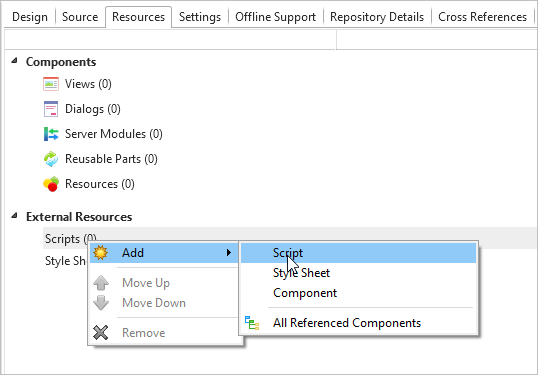
6. Right-click Scripts and choose Add -> Script:
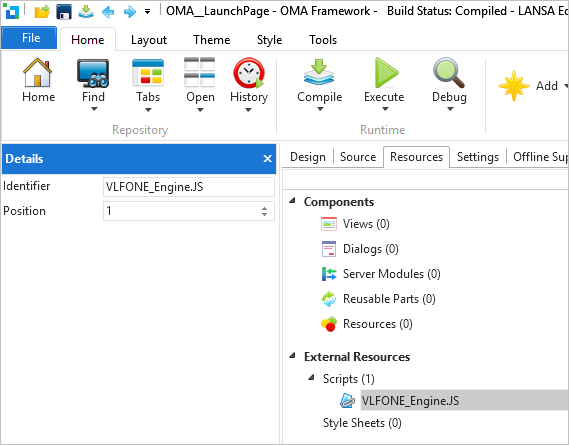
7. Click the new script to display the Details tab, and specify VLFONE_Engine.JS as the Identifier.
8. Save your changes.