Using Cross Referencing reduces the number of objects you need to select
and add to the package.
1. Switch from the package maintenance window to the LANSA Deployment
Tool window.
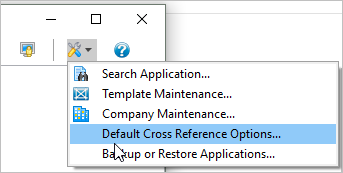
2. Open the /Default Cross Reference Settings/ dialog from the /View/ menu
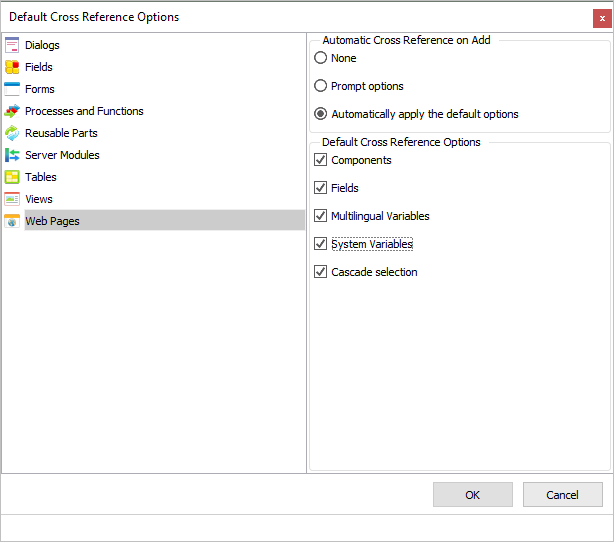
3. Select Web Pages.
4. Select /Automatically apply the default options /and all object types:
5. Click OK.
For more information see Define Default Cross Reference Set
<https://docs.lansa.com/14/en/lansa022/content/lansa/vldtoolt_0630.htm>
in the Deployment Tool guide.