Typically you define just one visualization for a field, but it is possible to define several visualizations and use them in different contexts:
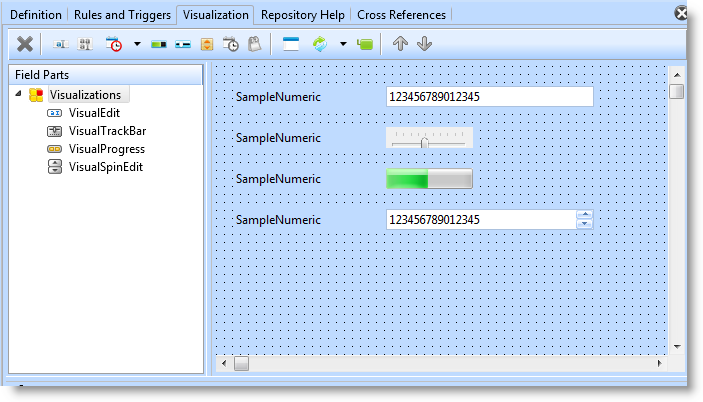
Here is the source for the visualizations:
Begin_Com Role(*EXTENDS #PRIM_OBJT)
- Edit box
Begin_Com Role(*Visual #PRIM_EVEF) Name(#EDIT) Height(19) Width(232)
End_Com - Picklist visualization DropDownList
Begin_Com Role(*Visual #PRIM_EVPL) Name(#DROP) Appearance(DropDownList) Defaultvisual(True) Height(45) Marginleft(50) Width(151)
End_Com - Picklist visualization ButtonSet (radio buttons)
Begin_Com Role(*Visual #PRIM_EVPL) Name(#RADIO)
End_Com - Picklist visualization Checkbox
Begin_Com Role(*Visual #PRIM_EVPL) Name(#CHECK) Appearance(CheckBox)
End_Com
Begin_Com Role(*picklist) Name(#LIST)
Define_Com Class(#PRIM_PKIT) Name(#ITEM1) Caption('Small') Parent(#LIST) Default(true)
Define_Com Class(#PRIM_PKIT) Name(#ITEM2) Caption('Medium') Parent(#LIST)
Define_Com Class(#PRIM_PKIT) Name(#ITEM3) Caption('Large') Parent(#LIST)
End_Com
End_Com
Note that the field has three different PickList visualizations: #DROP, #RADIO and #CHECK which all use the same picklist #LIST (a field can only contain one picklist).