When you run or execute a query, LANSA Client uses the query's definition to retrieve the required data from the host.
You do not have to open a query to run it.
To execute an open query from the Query window:
- Select the Execute command from the Query menu or use the
 toolbar icon.
To execute a query which is not open:
- Select the Run command from the File menu or use the
 icon on the tool bar
and
- Select the required query from the browse list in the Execute Query dialog box.
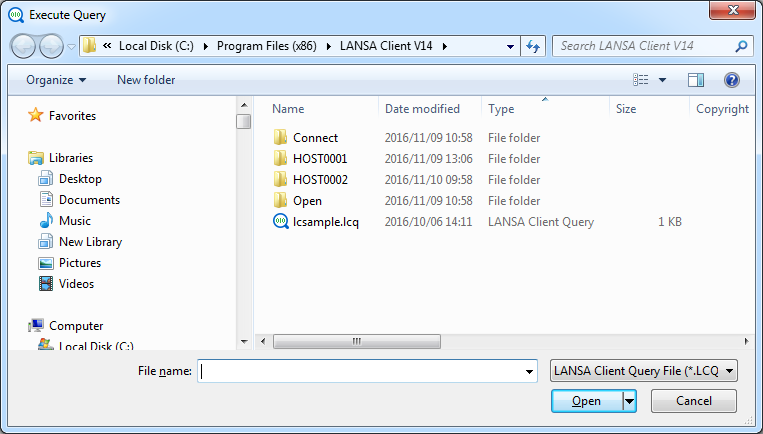
- Select a query in the browse list.
- Select the OK button or press the Enter key to run the query, otherwise select another query or select the Cancel button or press the Esc key.
- While the query is running the Status Bar will provide you with a status of your query.