4.7.2 Text Search
Text Search is opened using the Text Search command:
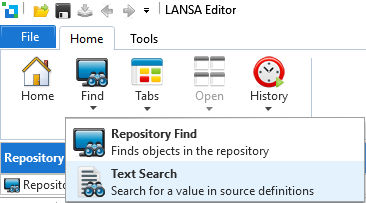
The Text Search facility allows you to search within all the LANSA Source code in the Repository.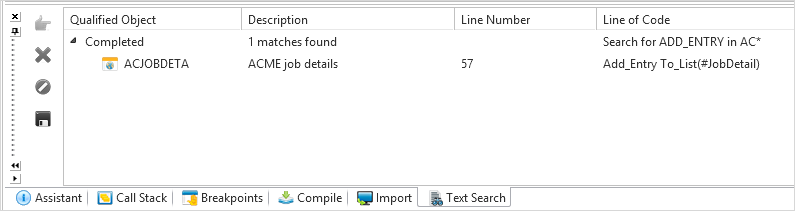
Object Types | You must select at least one Object Type in the list. |
|---|---|
Search for text | Enter the text that you wish to search for. |
Like name | Enter a filter for the object names to search. For example in the screen shot above, web pages starting with AC are searched. |
Press the Search button to start the search.
The results are displayed in the Text search tab:
4.7 Search Facilities