Lists are used for data display, navigation, result lists, and data entry so jQuery Mobile includes a wide range of list types and formatting examples to cover most common design patterns.
A jQuery Mobile list starts as a simple HTML list (<ul> or <ol>). jQuery Mobile will apply all the necessary styles to transform the list into a mobile-friendly list view with right arrow indicator that fills the full width of the browser window. When you tap on the list item, the framework will trigger a click on the first link inside the list item, issue an AJAX request for the URL in the link, create the new page in the DOM, then kick off a page transition.
The HTML List weblet defines the list and configures various options and list-wide defaults. List items are created by adding one or more HTML List Item weblets to the HTML List content.
If lists are embedded in a page with other types of content, an inset list packages the list into a block that sits inside the content area with a bit of margin and rounded corners (theme controlled). Setting the inset property to True on the list weblet applies the inset appearance.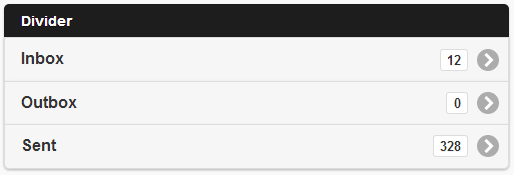
An inset list with 4 items (one configured as a divider).