In this step you will modify the filter you created in RAMP-WIN003: Creating a Data Filter for Employees so that it has an additional button which sends a signal to a RAMPed 5250 screen.
1. Open the filter reusable part iiiRMP01 in the Visual LANSA editor.
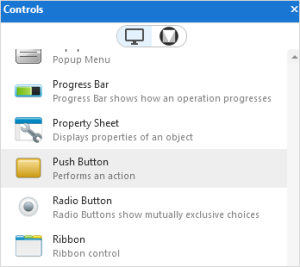
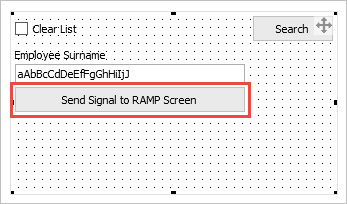
2. Drag a button from the Controls tab to the filter and make its caption Send Signal to RAMP Screen.
2. Add this code to the filter source to handle the click event of the button:
* Handle the signal button by broadcasting FILTER_SIGNAL_1 with 5 alpha and 5 numeric payload items
Evtroutine Handling(#Button1.Click) Invoke Method(#avListManager.GetCurrentInstance) AKey1(#vf_elxak1) AKey2(#vf_elxak2) AKey3(#vf_elxak3) AKey4(#vf_elxak4) AKey5(#vf_elxak5) NKey1(#vf_elxnk1) NKey2(#vf_elxnk2) NKey3(#vf_elxnk3) NKey4(#vf_elxnk4) NKey5(#vf_elxnk4) Found(#vf_elBool) VisualId1(#VF_ELXVI1) VisualId2(#VF_ELXVI2) BusinessObjectType(#vf_elidn) Invoke Method(#Com_Owner.avSignalEvent) WithId("FILTER_SIGNAL_1") To("FRAMEWORK") SendAInfo1(#com_Owner.avObjectType) SendAInfo2(#vf_elxak1) SendAInfo3(#VF_ELXVI2) SendAInfo4("text1") SendAInfo5("text2") SendNInfo1(1.1) SendNInfo2(2.2) SendNInfo3(3.3) SendNInfo4(4.4) SendNInfo5(5.5) Endroutine
Your code will look like this:
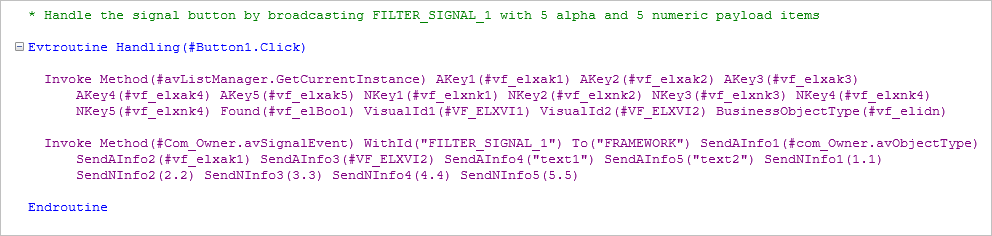
The GetCurrentInstance statement retrieves information of the currently selected entry in the instance list. The avSignalEvent then signals this information to the Framework.
Note that some of the values passed by the avSignalEvent are just static text or numbers. This is just to demonstrate that the command can pass five strings and five numeric values.
3. Compile the filter. (If the compile fails, it may be because the filter is being used in the Framework. If this is the case, restart the Framework).