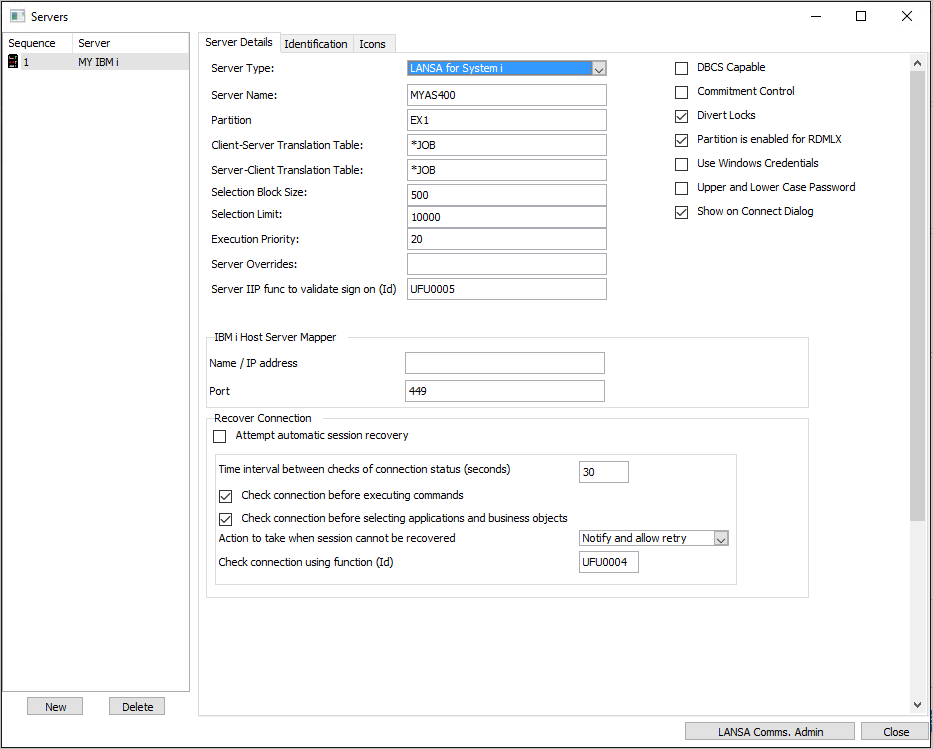
Server profiles are set up using the (Administration) menu, (Servers...) option.
- Start the Framework in design mode
- Go to the (Administration) menu --> (Servers...), Server Details tab
- Select the New button and complete the Identification tab
- Complete the Server Details tab. Note that the server name must correspond to an entry in the LANSA Communications Administrator.
- Close and save the Framework.